1
Searching for item values in the List and Wave windows
Searching for item values in the List and Wave windows
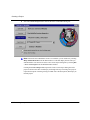
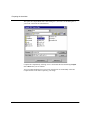
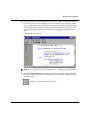
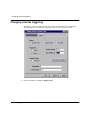
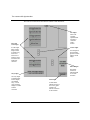
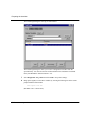
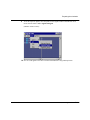
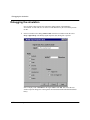
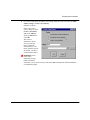
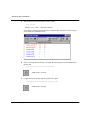
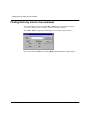
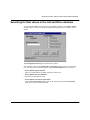
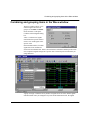
You can search for HDL item values in the List and Wave windows. Select Edit > Search
from the window’s menu to bring up the Signal Search dialog box (List window version
shown).
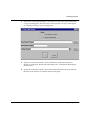
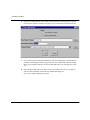
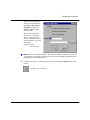
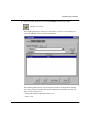
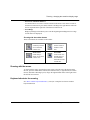
The List Signal Search dialog box includes these options:
You can locate values for the Signal Name: <item_label> shown at the top of the dialog
box. The search is based on these options (multiple Search Options may be selected):
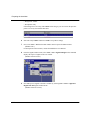
• Search Options: Ignore Glitches
Ignore zero width glitches in VHDL signals and Verilog nets.
• Search Options: Reverse Direction
Search the list from bottom to top.
• Search Options: Search for Signal Value
Activates the Search Value field; search for the value specified in the Search Value
field, otherwise just look for transitions.
ModelSim SE/EE Tutorial
Finding names and values 11-117