1
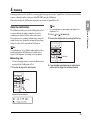
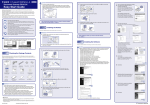
1. Turning the Power ON and OFF
Use the power switch to turn the DR-X10C scanner ON and OFF, or if you are using a USB connection, you can set the USB-linked
power switch.
CAUTION
• After turning the scanner OFF, wait at least ten seconds before turning it back ON.
• If the scanner is connected via SCSI cable, always turn the scanner ON before turning the computer ON. If you turn the computer ON before
the scanner, it may not recognize the scanner properly.
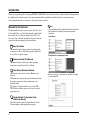
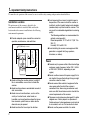
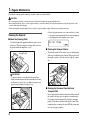
About the Power Switch
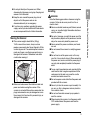
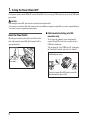
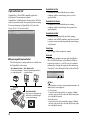
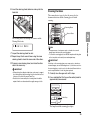
When the power switch (located at the lower left side of the
front of the scanner) is turned ON, the Document Feed Tray
opens automatically.
■ USB-Linked Switch Setting (with USB
connection only)
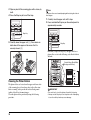
To set to have the computer’s power switch turn the
scanner ON and OFF as well, you can enable the Auto
USB Power Off function.
You can change the “Auto USB Power Off” setting using
the User Mode. For details, refer to the User Manual.
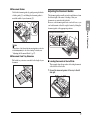
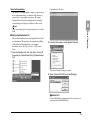
<USB-linked power switch>
Power Switch
Turning the computer ON or OFF turns the scanner ON
(document feed tray opens) or OFF.
14