1
Appendix C: Example Input Files
C.2 Advanced Examples
C.2.1 Various Frozen Atom Schemes
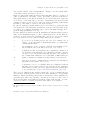
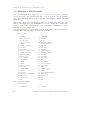
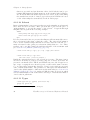
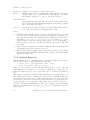
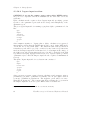
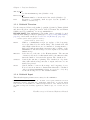
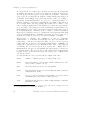
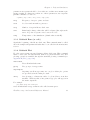
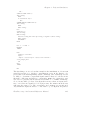
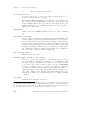
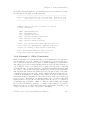
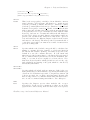
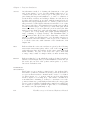
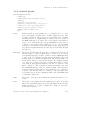
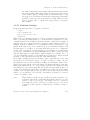
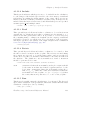
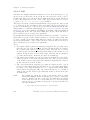
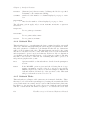
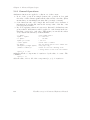
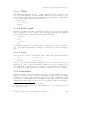
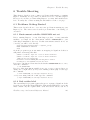
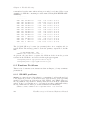
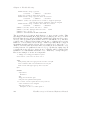
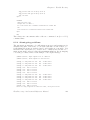
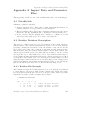
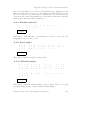
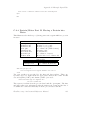
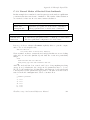
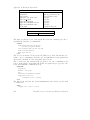
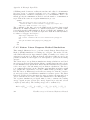
This example illustrates how to run a simulation using different frozen atom
schemes. It not only speeds up the simulation by freezing part of the system, but also makes the simulation more realistic in some cases. A protein
system, Human Immunodeficiency Virus Type II Protease (HIV) is used for
illustration here.
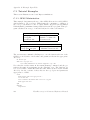
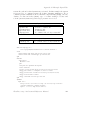
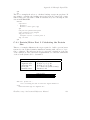
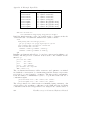
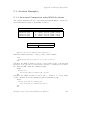
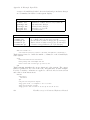
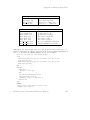
frozen.inp
paramstd.dat
hiv.pdb
Input files
Main input file
Energy parameter file
PDB coordinate file
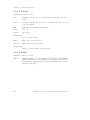
Output files
frozen.out
Main output file
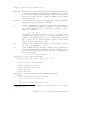
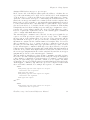
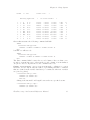
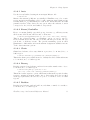
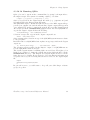
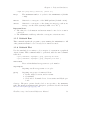
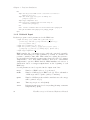
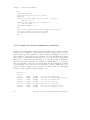
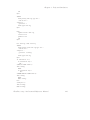
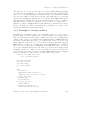
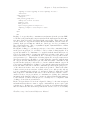
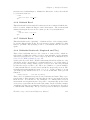
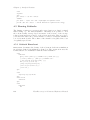
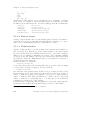
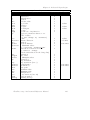
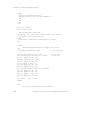
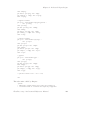
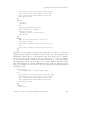
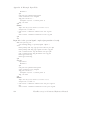
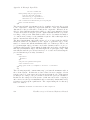
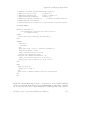
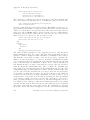
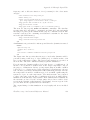
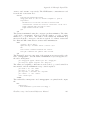
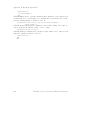
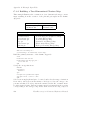
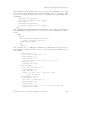
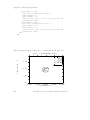
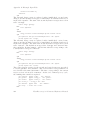
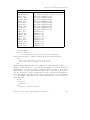
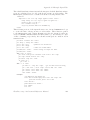
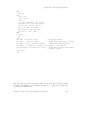
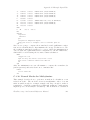
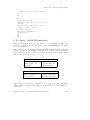
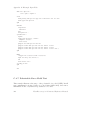
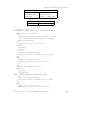
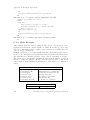
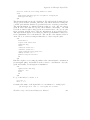
write verbose 3 file frozen.out title Frozen atom schemes *
create
build primary name hiv type protein read file hiv.pdb
read coordinates name hiv brookhaven file hiv.pdb
build types name hiv
quit
setmodel
setpotential
mmechanics
quit
read parm file paramstd.dat noprint
solute translate rotate diagonal
enrg parm cutoff 20.0 listupdate 100 diel 1.0 nodist print 1
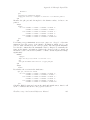
enrg cons bond
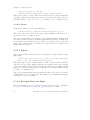
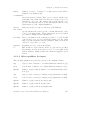
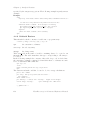
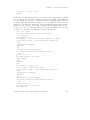
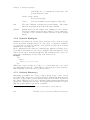
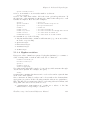
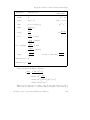
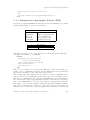
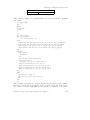
zonecons freeze
name hiv allheavy
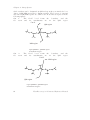
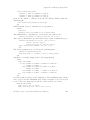
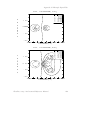
Freeze all heavy atoms in HIV complex.
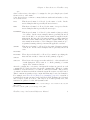
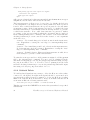
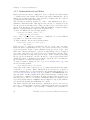
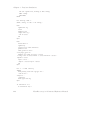
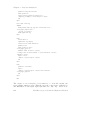
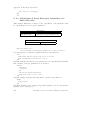
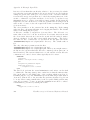
zonecons chain
name hiv chainname A free
chainname B fixed
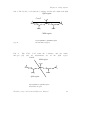
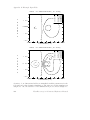
Make chain A in HIV to be free, and chain B to be frozen.
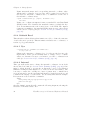
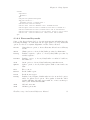
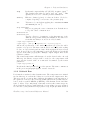
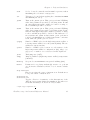
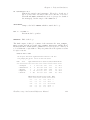
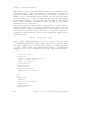
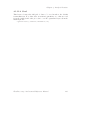
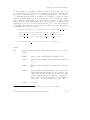
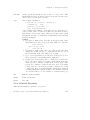
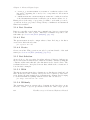
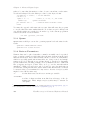
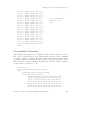
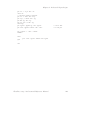
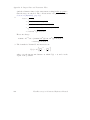
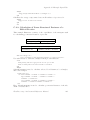
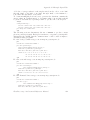
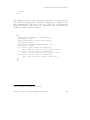
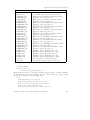
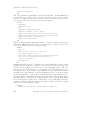
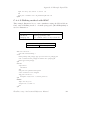
zonecons sphere
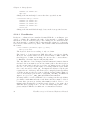
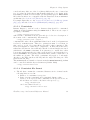
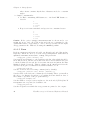
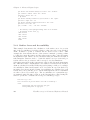
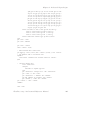
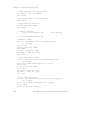
name hiv resn 20 atomname CA relax rad 10.0 buffrad 12.0
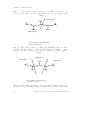
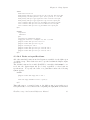
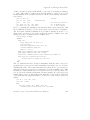
Relax a sphere, with the center located at residue 20 atom alpha-carbon and
a radius 10A. The buffer radius is 12A, which means the atoms located in
the shell between radius 10A and radius 12A is belong to the buffer region.
FirstDiscovery 3.0 Command Reference Manual
249








































































































![RUMD User Manual [Version 3.0]](http://vs1.manualzilla.com/store/data/005734566_1-539a984f38202face31c4a646ef91457-150x150.png)