1
T-28
Lesson 2 - Working with ModelSim Designer
d
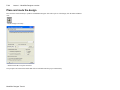
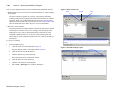
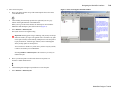
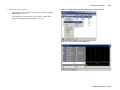
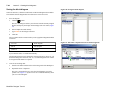
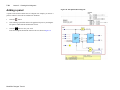
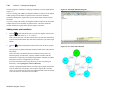
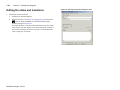
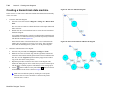
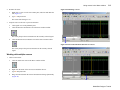
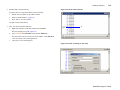
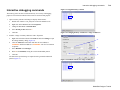
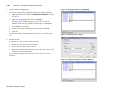
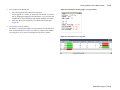
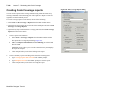
Double-click uart_top/symbol.sb to open a symbol and interface view
(Figure 10).
e
Click the Interface tab.
f
Select File > Close Window.
Figure 10: A symbol view of uart_top
If ModelSim prompts you to save changes, click No.
g
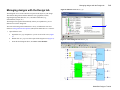
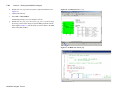
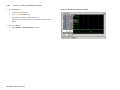
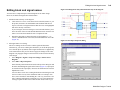
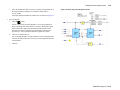
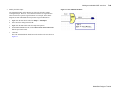
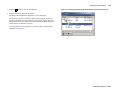
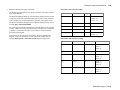
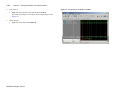
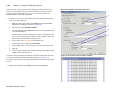
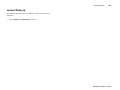
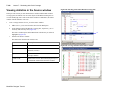
Double-click uart_top_struct.vhd (or uart_top_struct.v if you are using
the Verilog version of the design) to open the HDL generated from the
block diagram (Figure 11). The file opens in a Source editor in the MDI
frame of the Main window.
1e
Figure 11: An HDL view of uart_top
ModelSim Designer Tutorial