1
StarTools 1.0 User Manual
Boost
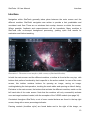
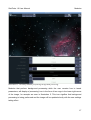
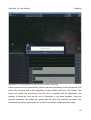
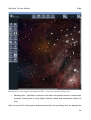
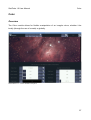
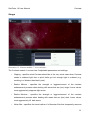
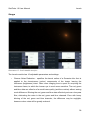
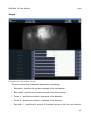
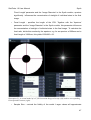
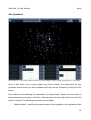
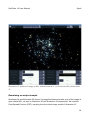
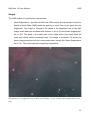
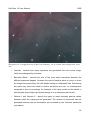
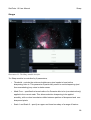
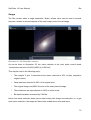
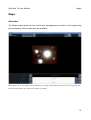
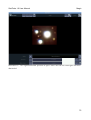
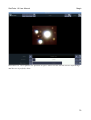
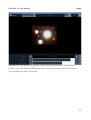
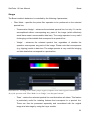
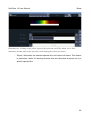
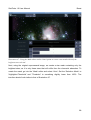
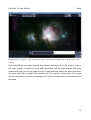
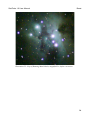
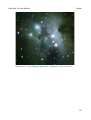
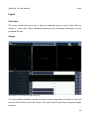
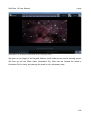
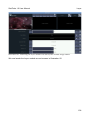
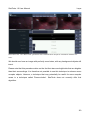
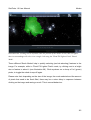
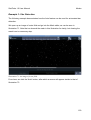
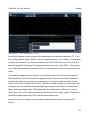
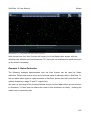
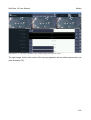
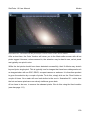
Illustration 47- Using the Mask editor and its 'Auto' option to create a star mask with only the
brightest stars selected.
Next, using the original unprocessed image, we create a star mask containing only the
brightest stars, as it is only these stars that will suffer from the chromatic aberration. To
create the mask, go into the 'Mask' editor and select 'Auto'. Set the 'Selection Mode' to
'Highlights>Threshold' and 'Threshold' to something slightly lower than 100%. The
interface should look similar to that of Illustration 47.
88