1
VERSION 7.3 RELEASE NOTES
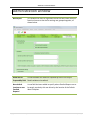
The Project Items window
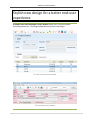
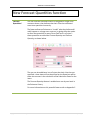
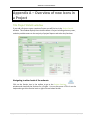
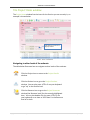
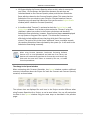
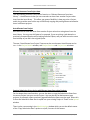
The Project Items window lists the Items for the Section you are currently in; an
example is shown below.
The Section you are in is
displayed here.
FIGURE 1 - PROJECT ITEM WINDOW
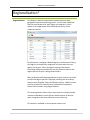
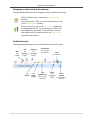
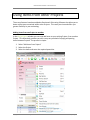
Navigating to other levels of the estimate
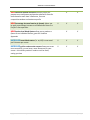
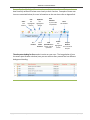
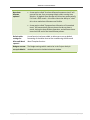
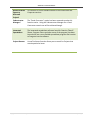
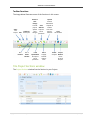
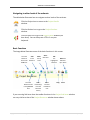
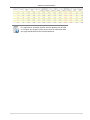
The table below illustrates how to navigate to other levels of the estimate.
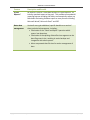
Click the Project icon to return to the Project Details
window.
Click the Section icon to go to the Project Sections
window. You can also press <CTRL+2> on your keyboard
to go “up” to the Section level.
Click the Resource icon to go to the Project Resources
window (the Resource level) for the currently highlighted
Item. You can also double click (or press <CTRL+1> on
your keyboard) on an Item to “drill down” to the Resource
level of an Item.
Copyright Benchmark Estimating Software 2011
35 | P a g e