1
Chapter 4. Tasks
4.18.2. Viewing the Documentation
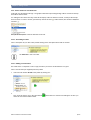
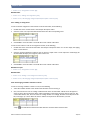
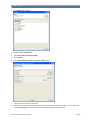
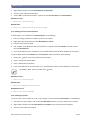
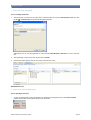
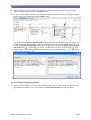
In order to view the generated documentation, open the folder in which the documentation was saved. Open the
generated documentation (index.html file) with a web browser.
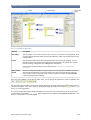
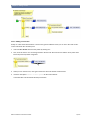
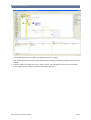
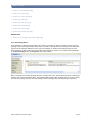
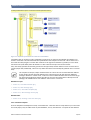
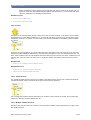
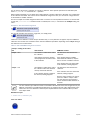
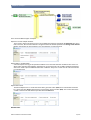
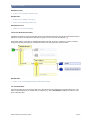
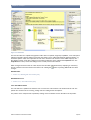
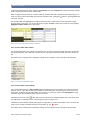
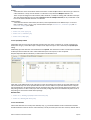
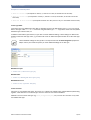
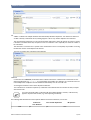
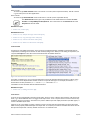
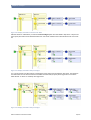
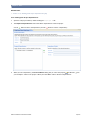
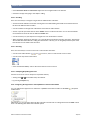
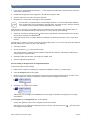
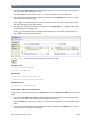
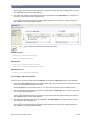
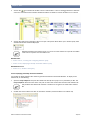
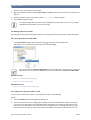
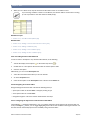
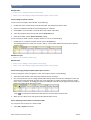
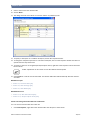
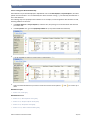
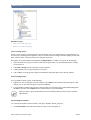
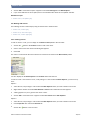
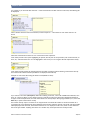
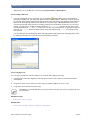
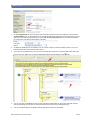
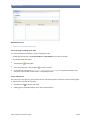
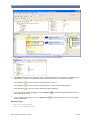
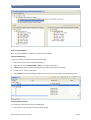
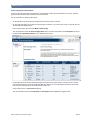
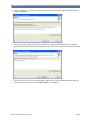
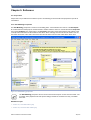
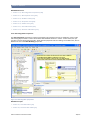
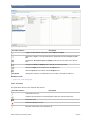
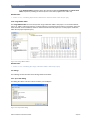
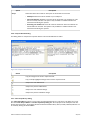
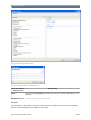
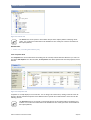
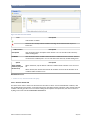
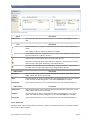
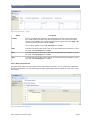
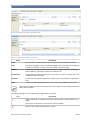
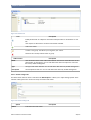
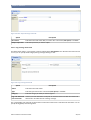
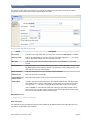
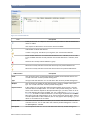
The documentation is divided in three parts.
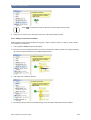
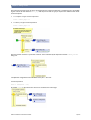
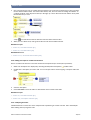
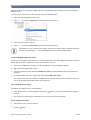
• On the left side is the documentation displayed for the element that is selected.
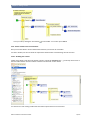
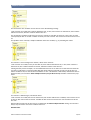
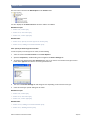
• On top of the right side rule models and rule packages are shown. If you click on the name of a specific one the
documentation is displayed for it.
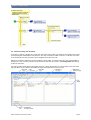
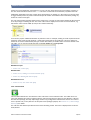
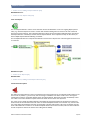
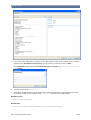
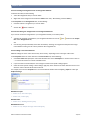
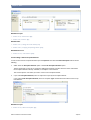
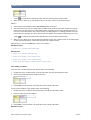
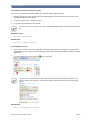
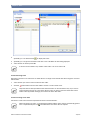
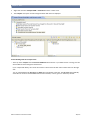
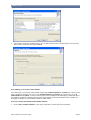
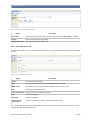
In the example this is the rule model Movie Ticket Pricing.
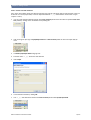
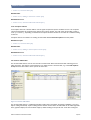
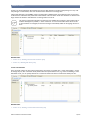
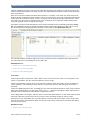
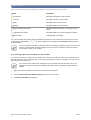
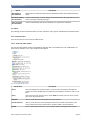
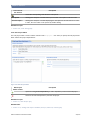
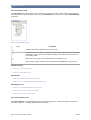
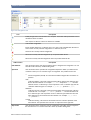
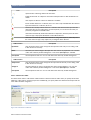
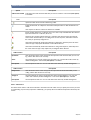
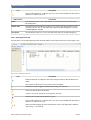
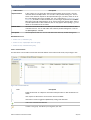
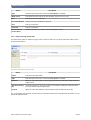
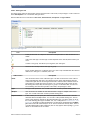
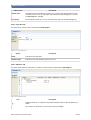
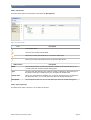
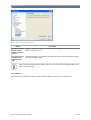
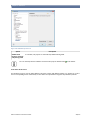
The documentation shows the Rule Package Name (in this case the model name), the Description and all data elements like Input/Output Data that are defined for this model.
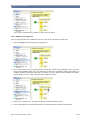
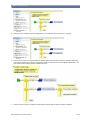
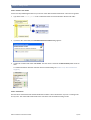
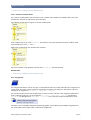
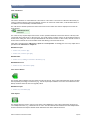
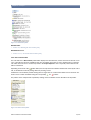
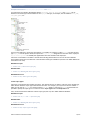
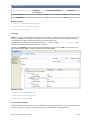
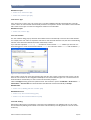
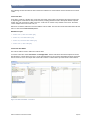
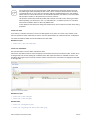
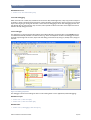
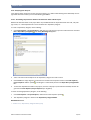
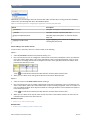
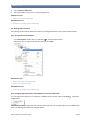
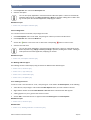
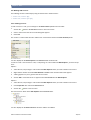
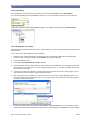
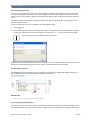
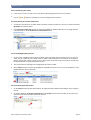
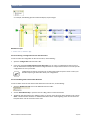
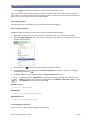
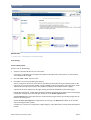
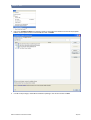
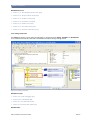
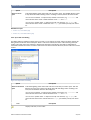
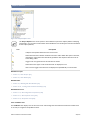
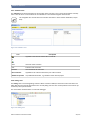
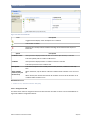
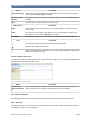
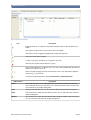
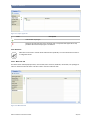
• On the right side under the list with the packages and models are the rules shown. The rules for the currently
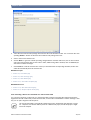
selected rule package or model are displayed. With the selection of one of the displayed rules the documentation on the left side switches to the documentation of this rule.
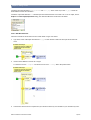
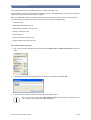
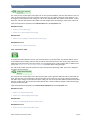
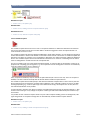
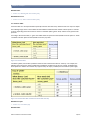
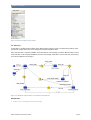
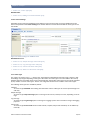
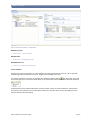
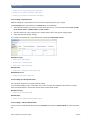
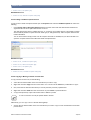
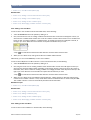
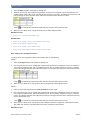
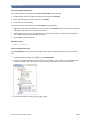
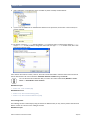
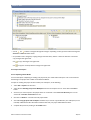
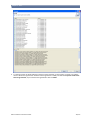
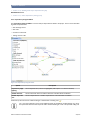
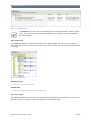
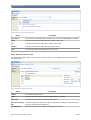
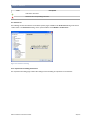
In the example is the rule Discounts displayed.
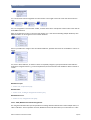
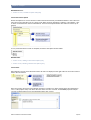
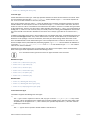
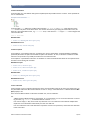
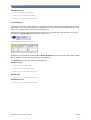
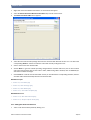
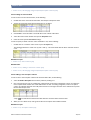
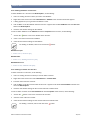
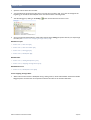
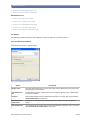
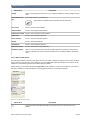
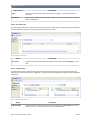
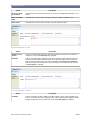
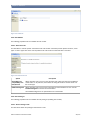
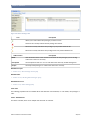
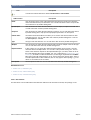
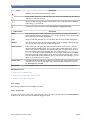
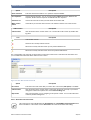
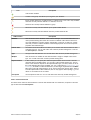
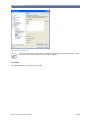
The documentation includes the Rule Name, its Description and the Rule in the graphical view.
© Bosch Software Innovations GmbH
185/270