1
Chapter 5. Reference
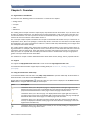
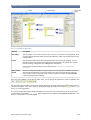
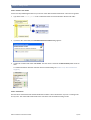
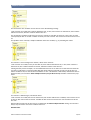
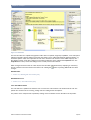
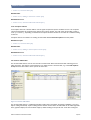
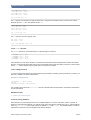
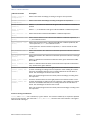
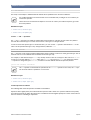
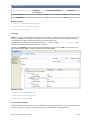
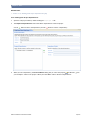
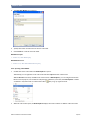
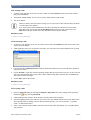
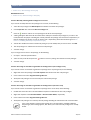
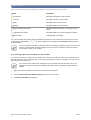
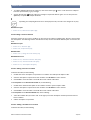
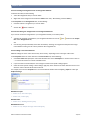
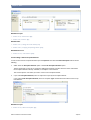
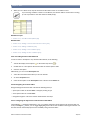
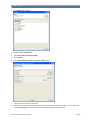
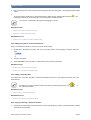
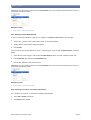
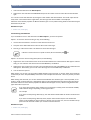
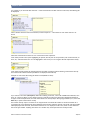
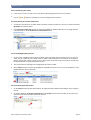
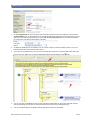
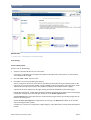
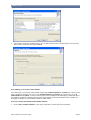
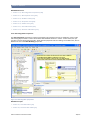
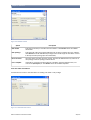
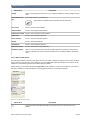
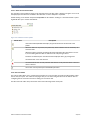
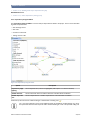
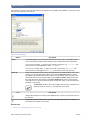
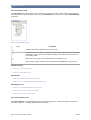
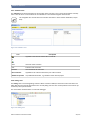
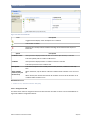
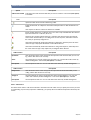
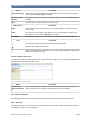
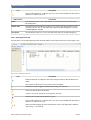
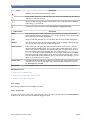
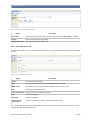
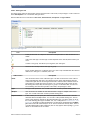
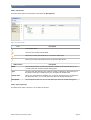
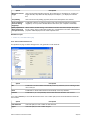
Option
Description
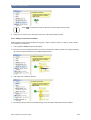
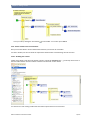
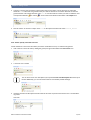
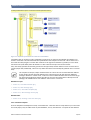
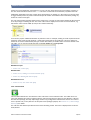
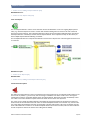
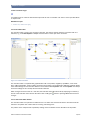
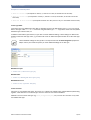
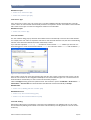
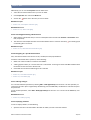
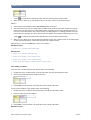
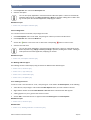
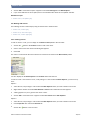
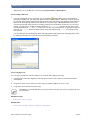
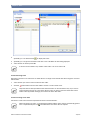
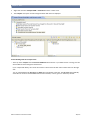
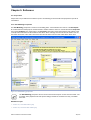
for each of multiple elements
Select this if you want to repeat execution for each one of multple data elements in a collection.
while a condition
holds
Select this if you want to repeat execution as long as a specific condition is true.
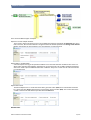
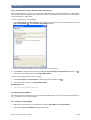
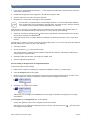
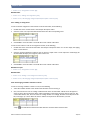
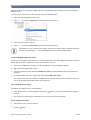
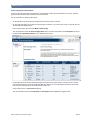
with counter
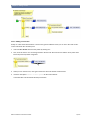
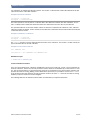
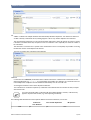
Select this if you want to repeat execution a specific number of times.
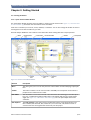
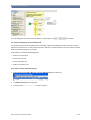
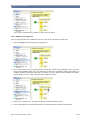
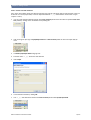
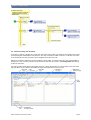
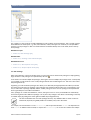
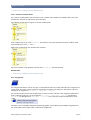
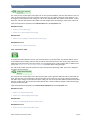
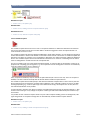
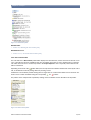
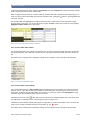
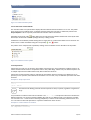
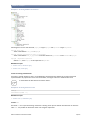
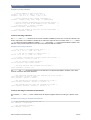
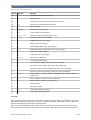
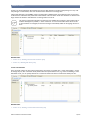
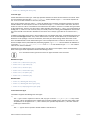
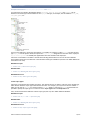
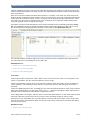
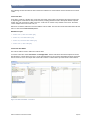
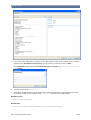
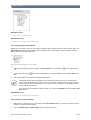
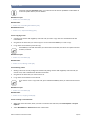
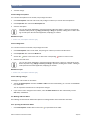
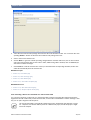
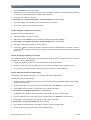
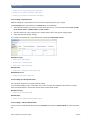
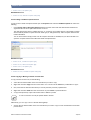
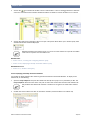
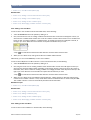
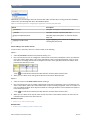
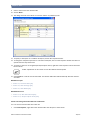
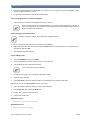
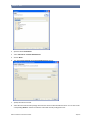
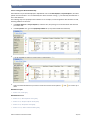
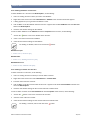
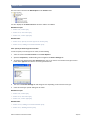
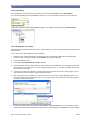
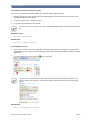
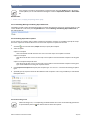
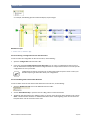
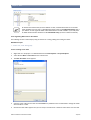
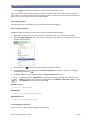
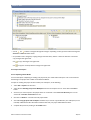
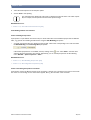
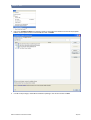
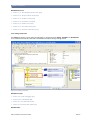
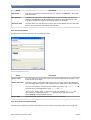
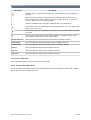
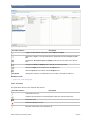
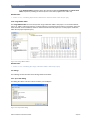
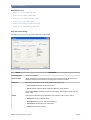
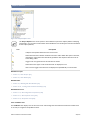
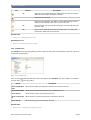
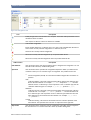
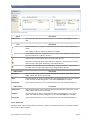
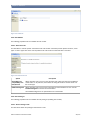
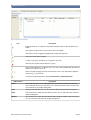
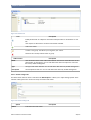
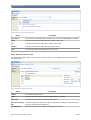
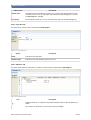
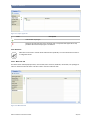
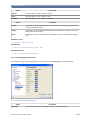
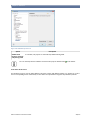
Figure 5.48. Repeat tab - for each
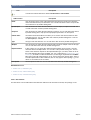
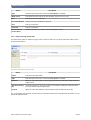
Option
Description
Assign each element to
Enter an expression that specifies a data element that each element of the collection is
assigned to. Code Assist (Ctrl+Space) is available.
Elements
Enter an expression that specifies the collection of elements whose elements will be assigned to the data element specified above. Every time the Repeat executes, the next
data element is assigned to the data element specified in the Assign each element to
field. If the number of data elements is zero, the Repeat is not executed at all. Code Assist (Ctrl+Space) is available.
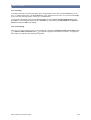
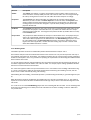
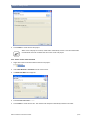
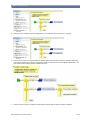
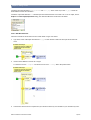
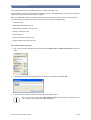
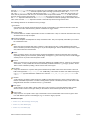
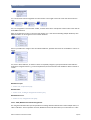
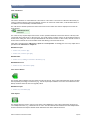
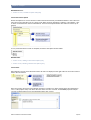
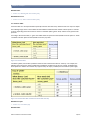
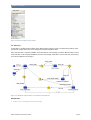
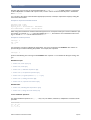
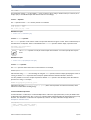
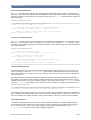
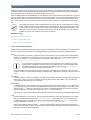
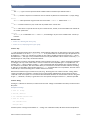
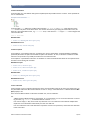
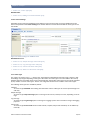
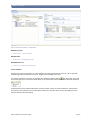
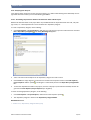
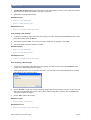
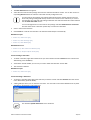
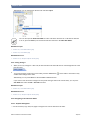
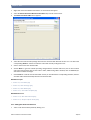
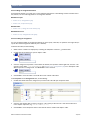
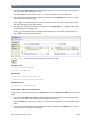
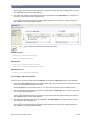
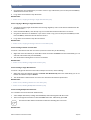
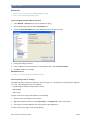
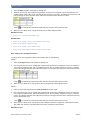
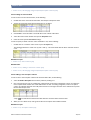
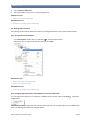
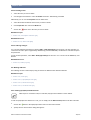
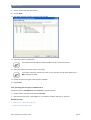
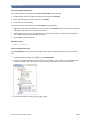
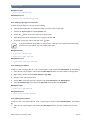
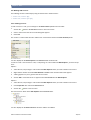
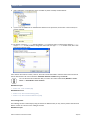
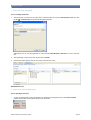
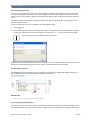
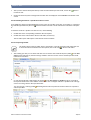
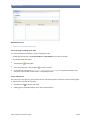
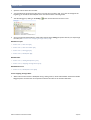
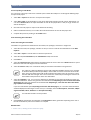
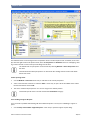
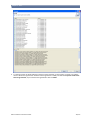
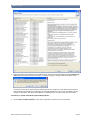
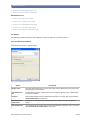
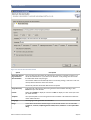
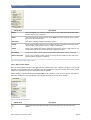
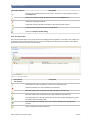
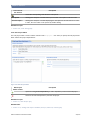
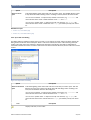
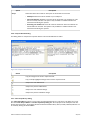
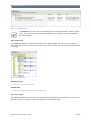
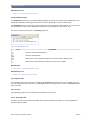
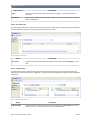
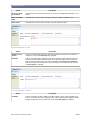
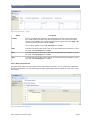
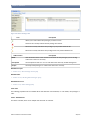
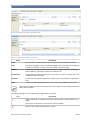
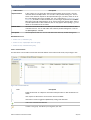
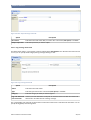
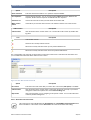
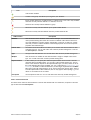
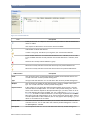
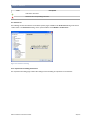
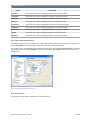
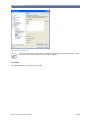
Figure 5.49. Repeat tab - condition
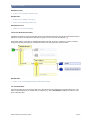
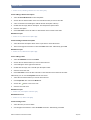
Option
Condition
Description
Enter an expression for the condition. Execution repeats as long as the specified condition is true and ends when the condition is false. If the condition is false right from the beginning, the Repeat is not executed at all. Code Assist (Ctrl+Space) is available.
© Bosch Software Innovations GmbH
238/270