1
PatchFactory v3
4.3. Version Difference Editor
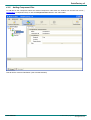
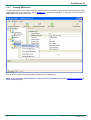
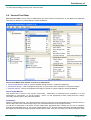
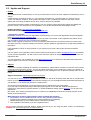
Version Difference Editor can be used to View files/folders both in New & Old Version Images, to change various
file attributes necessary for difference / patch building or update installation or to change update commands and their
parameters for particular difference.
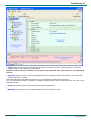
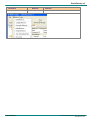
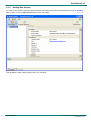
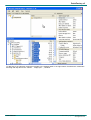
Version Difference Editor main window consists of 2 main subwindows:
· New Version Image window - used to navigate through New Version Image components, folders and files and to
set their properties (upper window);
· Old Version Image window - used to navigate through Old Version Image components, folders and files and to
set their properties (lower window);
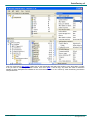
Depending on the operation and status, files and folders are highlighted with a certain color.
Legend Bar is placed at the bottom of Version Difference Editor window. To change the default color - double click
on the appropriate item in the Legend Bar.
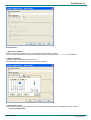
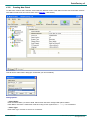
Each of those windows consist of two subwindows:
· Version Image file browser window - used to navigate through New Version Image objects;
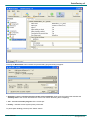
· Properties window - used to set properties necessary for difference / patch building or update installation.
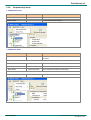
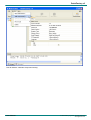
Old/New Version Image Browser
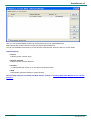
This window can be used to select necessary Version Image or a Component inside it, to set/observe properties of
selected objects.
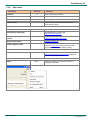
To change object property - select it in the appropriate Version Image and then change necessary property value in
User Manual
- 66 -
© 2002-2008 by AgenSoft. All rights reserved.
www.agensoft.com