1
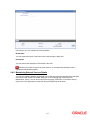
Click ‘Generate File’ button to generate the details of the debit card.
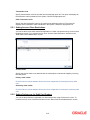
2.11.1 Initiating a Status Change
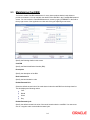
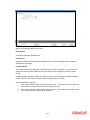
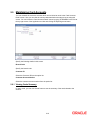
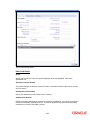
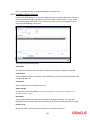
Oracle FLEXCUBE allows you to manually change the status for a single debit card or a group of
cards lying in the same status, through the ‘Debit Card Status Change’ screen. You can invoke
this screen by typing ‘STDCSTCH’ in the field at the top right corner of the Application tool bar
and clicking the adjoining arrow button.
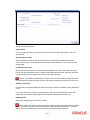
This screen has the following fields:
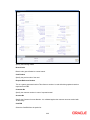
Card Status
The status of the card for which you want to initiate a status change is displayed in this field.
Card Number
System displays the debit card number in this field however; you can select the card number from
the adjoining option list.
Card Status
System displays the current status of the card.
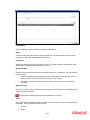
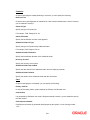
Status Change
Check this box to indicate whether the status of the specific card have to be changed or not
during bulk status change.
New Status
The new status allowed for the specific card status is displayed in this field. The value gets
defaulted from the corresponding values maintained in the ‘Debit Card Status Movement’ screen.
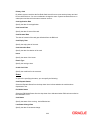
Reason Code
Specify the reason code for the status change from the adjoining option list.
2-33