1
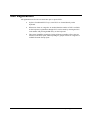
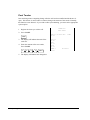
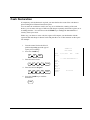
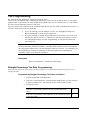
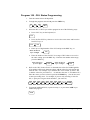
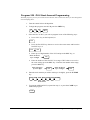
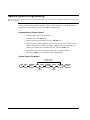
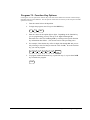
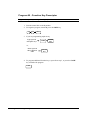
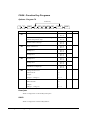
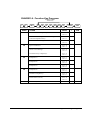
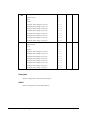
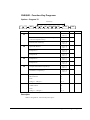
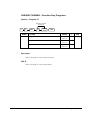
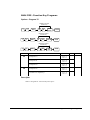
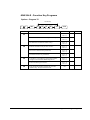
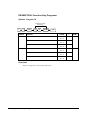
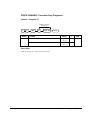
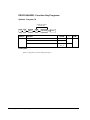
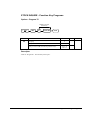
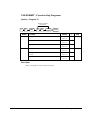
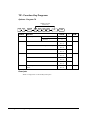
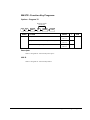
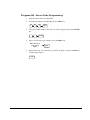
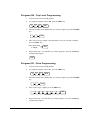
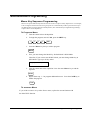
Program 801 - Clerk Status Programming
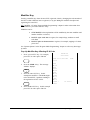
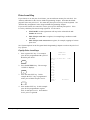
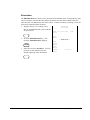
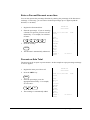
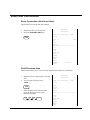
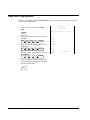
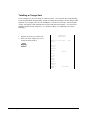
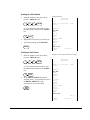
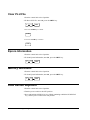
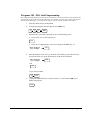
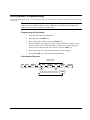
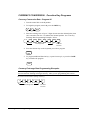
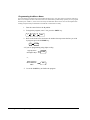
1. Turn the control lock to the P position.
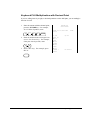
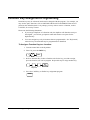
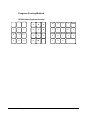
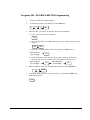
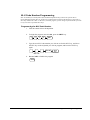
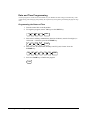
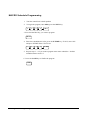
2. To begin the program, enter 8 0 1, press the SBTL key.
8
0
1
SBTL
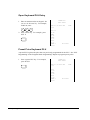
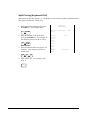
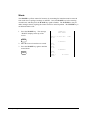
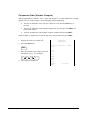
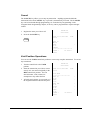
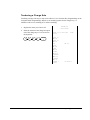
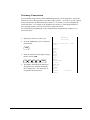
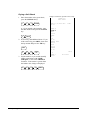
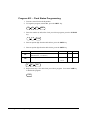
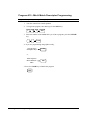
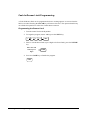
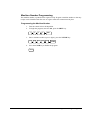
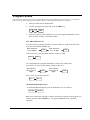
3. Enter the number (1-15) of the clerk you wish to program; press the X/TIME
key.
X/TIME
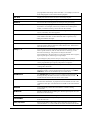
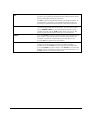
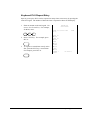
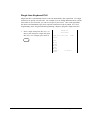
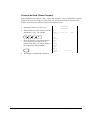
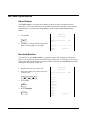
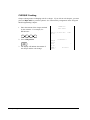
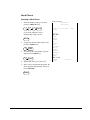
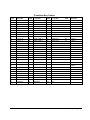
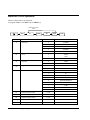
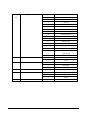
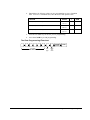
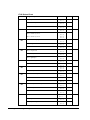
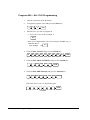
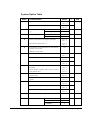
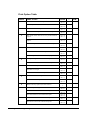
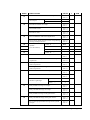
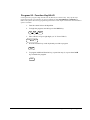
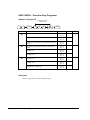
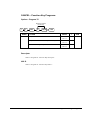
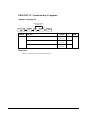
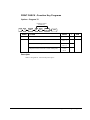
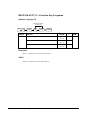
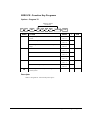
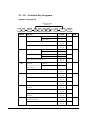
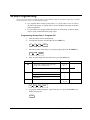
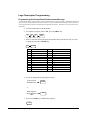
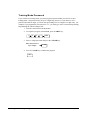
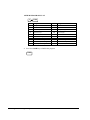
4. Enter an option digit from the table below, press the SBTL key.
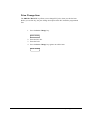
5. Enter an option digit from the table below, press the SBTL key.
Address
OPTION
N1
Drawer assignment
default drawer, 1: no drawer)
N2
Training Clerk
VALUE
(0:
=
SUM
0-1
Yes=1
No=0
N1
N2
SBTL
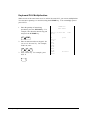
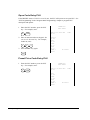
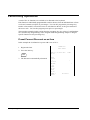
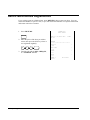
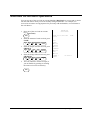
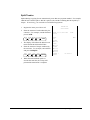
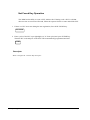
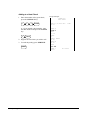
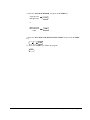
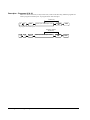
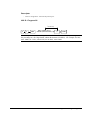
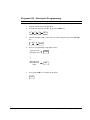
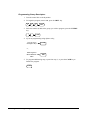
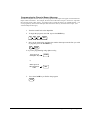
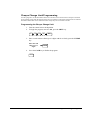
5. Repeat from step 3 for each clerk you wish to program. Press the CASH key
to finalise the program.
CASH
150 • Program Mode Programming
ER380