1
CONSOLE
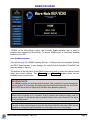
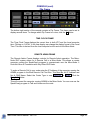
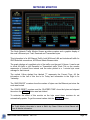
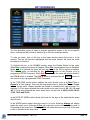
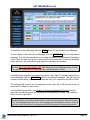
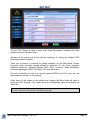
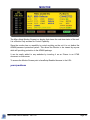
The Console Screen is the main monitor and control screen for the operation of the
Micro-Node.
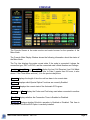
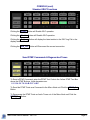
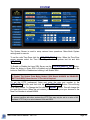
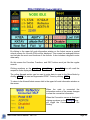
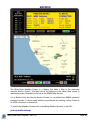
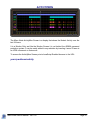
The Console Main Display Window shows the following information about the status of
the Micro-Node.
The Top Line displays the nodes current state. If the node is connected it shows the
connection type, IRLP or ECHO, and the connected node’s Node Number and Callsign.
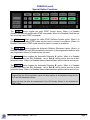
Last_In , Last_Out and Last_CW display the Last Call Received, Last Call Made
and Last Call Waiting. The connection Time, or Date if greater than 24 hours, is also
shown. If the Time shows a minus (-) it is the previous days time.
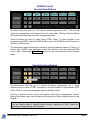
Interval displays the length of time the unit has been in its current state.
Options displays which Special Option Functions are currently Enabled.
ID Status displays the current state of the Automatic ID Program.
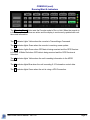
Codec and Port display the Codec and Port being used when connected to another
node.
TimeOut displays whether the Connection Timer is Enabled or Disabled.
EchoLink displays whether EchoLink operation is Enabled or Disabled. This Item is
only shown if the EchoIRLP Option is currently installed.
Micro-Node User's Manual - Ver 1.62
Page 3