1
GNU|Linux smartcard logon using PAM-PKCS11
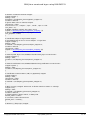
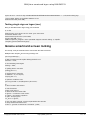
We also need to install the /etc/pam_pkcs11.conf file, which is not installed by default:
Create a pam-pkcs11 folder:
$ sudo mkdir /etc/pam_pkcs11
Create an empty pam_pkcs11.conf file using the pam_pkcs11 default configuration file. This file is not installed by defaut, so we
need to install it.
As root:
$
$
$
$
cp /usr/share/doc/libpam-pkcs11/examples/pam_pkcs11.conf.example.gz /etc/pam_pkcs11/
cd /etc/pam_pkcs11/
gunzip pam_pkcs11.conf.example.gz
mv pam_pkcs11.conf.example pam_pkcs11.conf
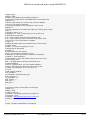
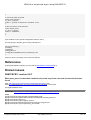
For information, you can explore content of pam_pkcs11.conf:
$ cat /etc/pam_pkcs11/pam_pkcs11.conf
This displays:
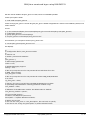
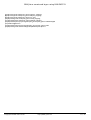
#
# Configuration file for pam_pkcs11 module
#
# Version 0.4
# Author: Juan Antonio Martinez
#
pam_pkcs11 {
# Allow empty passwords
nullok = true;
# Enable debugging support.
debug = true;
# Do not prompt the user for the passwords but take them from the
# PAM_ items instead.
use_first_pass = false;
# Do not prompt the user for the passwords unless PAM_(OLD)AUTHTOK
# is unset.
try_first_pass = false;
# Like try_first_pass, but fail if the new PAM_AUTHTOK has not been
# previously set (intended for stacking password modules only).
use_authtok = false;
# Filename of the PKCS #11 module. The default value is "default"
use_pkcs11_module = opensc;
pkcs11_module opensc {
module = /usr/lib/opensc-pkcs11.so;
description = "OpenSC PKCS#11 module";
# Which slot to use?
# You can use "slot_num" or "slot_description", but not both, to specify
# the slot to use. Using "slot_description" is preferred because the
Copyright GOOZE 2010-2014
http://www.gooze.eu
5 / 17