1
Part 6: Moving Data
MSC Fileman 22.2 User Reference Guide
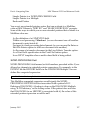
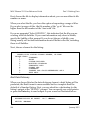
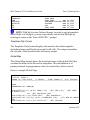
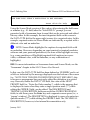
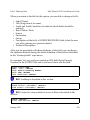
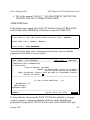
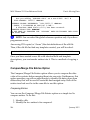
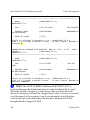
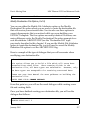
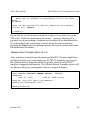
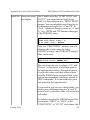
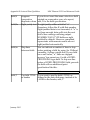
ARCHIVAL ACTIVITY file is created. Entries are selected in the same
manner as the Search File Entries option.
REF: For guidance on selecting entries, see the "Search" chapter of the
MSC Fileman User Manual.
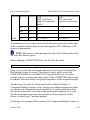
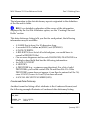
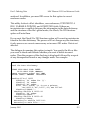
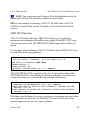
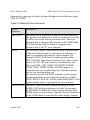
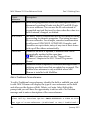
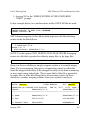
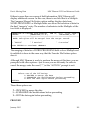
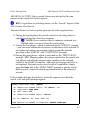
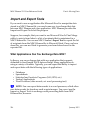
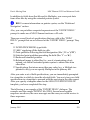
The Select Entries to Extract option performs the following functions:
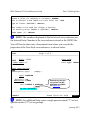
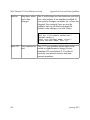
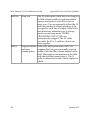
8. During the search phase, the search criteria for selecting entries is
specified and must be stored in a template.
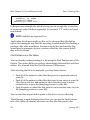
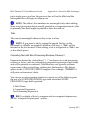
NOTE: If you want to extract a subentry contained in a
Multiple field, you must extract the entire entry.
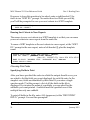
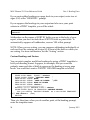
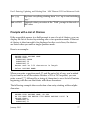
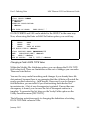
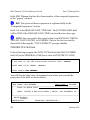
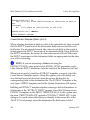
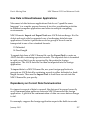
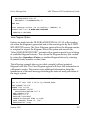
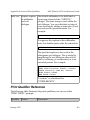
9. During the sort phase—which is indicated by the "SORT BY" prompt
—you can enter additional restrictions on the entries to be selected. If
no further restrictions are required, simply accept the defaults
provided at the "SORT BY" and "START WITH" prompts.
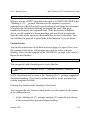
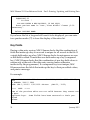
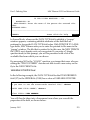
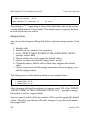
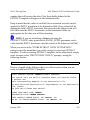
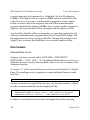
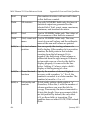
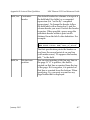
10.During the print phase—which is indicated by the "PRINT FIELD"
prompt—MSC Fileman gathers the entries specified in the search and
sort phases and adds the internal entry numbers of the selected
entries to the SEARCH template. Although specifying print fields is
not required, the print process must be run to completion. Simply
press the Enter key at the "PRINT FIELD" prompt or specify actual
fields to print a report of identifying information for the extracted
records.
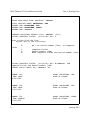
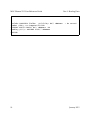
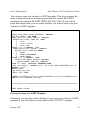
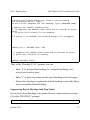
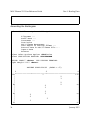
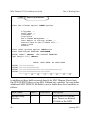
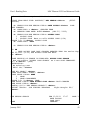
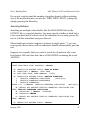
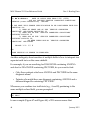
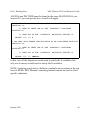
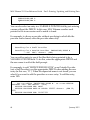
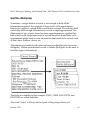
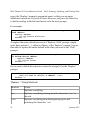
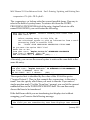
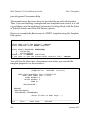
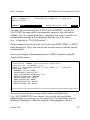
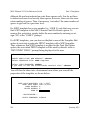
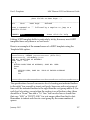
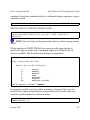
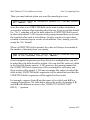
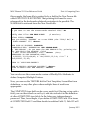
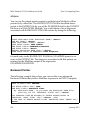
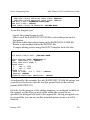
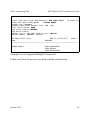
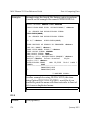
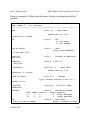
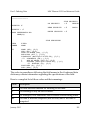
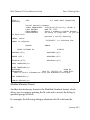
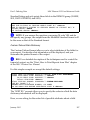
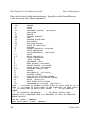
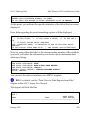
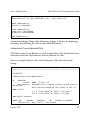
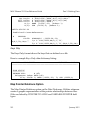
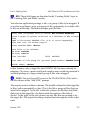
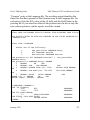
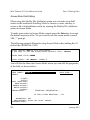
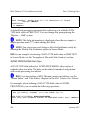
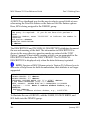
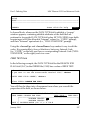
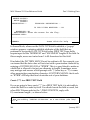
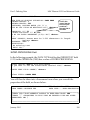
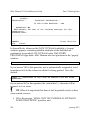
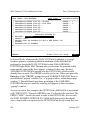
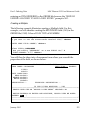
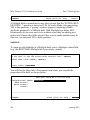
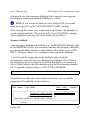
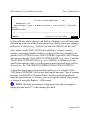
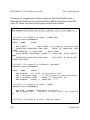
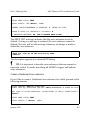
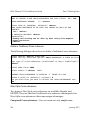
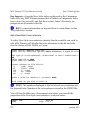
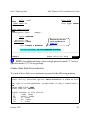
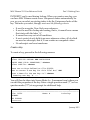
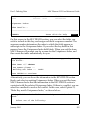
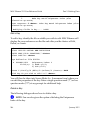
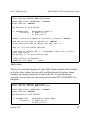
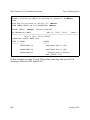
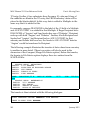
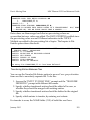
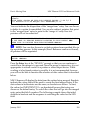
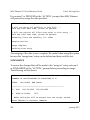
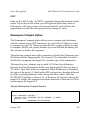
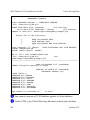
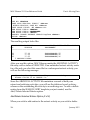
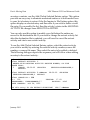
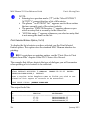
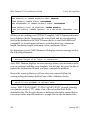
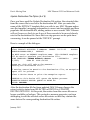
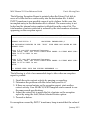
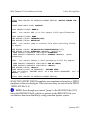
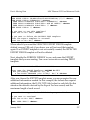
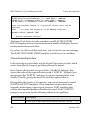
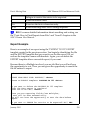
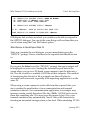
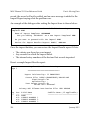
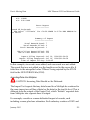
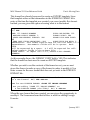
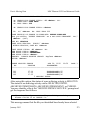
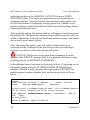
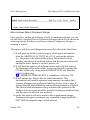
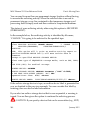
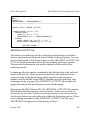
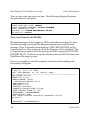
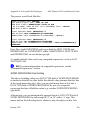
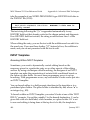
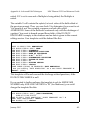
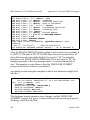
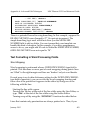
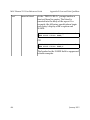
In the sample dialogue that follows, notice the sequence in which the
search, sort, and print prompts appear:
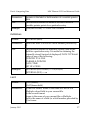
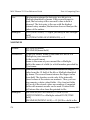
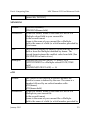
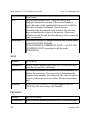
EXTRACT FROM WHAT FILE: CHANGE
-A- SEARCH FOR CHANGE FIELD: .01 <Enter>
-A- CONDITION: LESS THAN
-A- LESS THAN: 900
NO.
-B- SEARCH FOR CHANGE FIELD: <Enter>
IF: A// <Enter>
NO. LESS THAN 900
STORE RESULTS OF SEARCH IN TEMPLATE: ZZTEST TEMPLATE
January 2015
313