1
MSC Fileman 22.2 User Reference Guide
Part 6: Moving Data
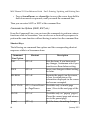
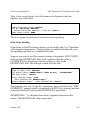
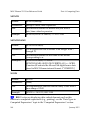
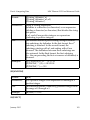
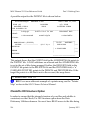
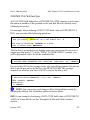
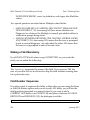
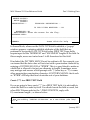
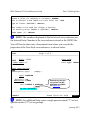
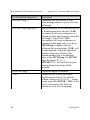
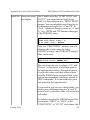
SEND LAST FIELD DELIMITER?
Some importing applications expect a field delimiter following every field,
including the final field in a record. Other applications only expect
delimiters between fields; nothing follows the final field. This field allows
you to specify whether or not a field delimiter should be exported after the
last field. A YES answer sends the delimiter, a NO answer does not.
The contents of this field does not affect whether or not a delimiter is sent
after each record.
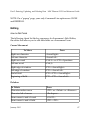
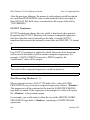
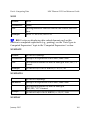
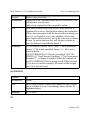
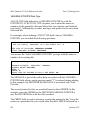
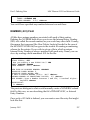
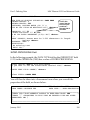
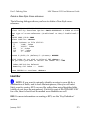
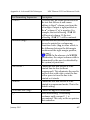
RECORD DELIMITER
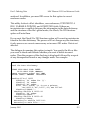
Applications that import delimited fields need to know when one record
ends and a new one begins. In most cases, records are separated by a
carriage return (or by a line feed and a carriage return). This is the same as
pressing the Enter key at the end of a line. The Export Tool automatically
puts this separator after each record; every record begins on a new line of
output. You do not need to put the ASCII values for carriage return and line
feed in this field.
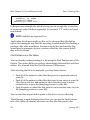
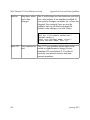
Some applications may also require that additional characters be placed
after each record. If this is the case, put those characters into the RECORD
DELIMITER field. The requirements for coding the field are the same as for
the FIELD DELIMITER field.
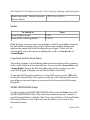
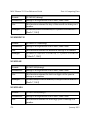
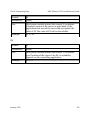
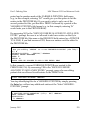
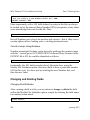
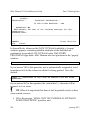
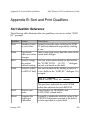
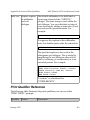
RECORD LENGTH FIXED?
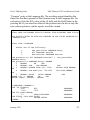
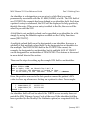
A second common way to import and export data (in addition to using
delimited data) is with fixed length records. In a fixed length record, each
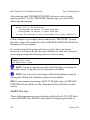
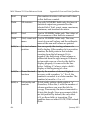
field has a predetermined, constant data length. For example, a name field
might be 30 characters long. The name "FMPATNT,10" is only 10 characters
long; thus, 20 spaces would be added to the field value to fill the required
30 characters. The next field's value would begin in the thirty-first column.
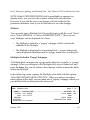
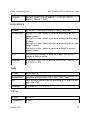
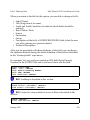
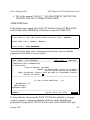
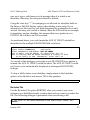
If you want to import or export fixed length records, answer YES to this
356
January 2015