1
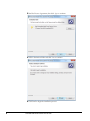
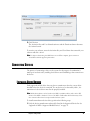
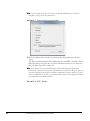
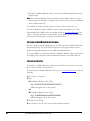
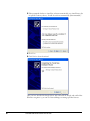
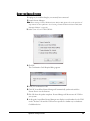
17. Click OK.
18. The resulting dialog prompts you to browse to the location of the newly updated
*.wibucmrau file. Locate the file, then click Open. License Manager creates the VCM
on your system.
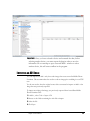
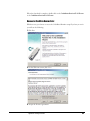
19. 19.At this point, AccessData License Manager should now display a serial number for
the VCM on the "Licenses" tab and the VCM can now operate in a similar way to a
hardware CodeMeter device.
CREATING A VIRTUAL CM-STICK WITH SERVER 2003/2008 ENTERPRISE
EDITIONS
CREATE AN EMPTY CODEMETER LICENSE CONTAINER
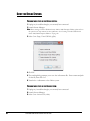
1. On the Server 2003/2008 machine, unplug any CodeMeter devices.
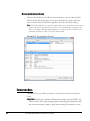
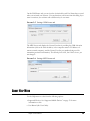
2. Open the CodeMeter Control Center. Make sure the window on the License tab is,
empty indicating that no licenses are currently loaded.
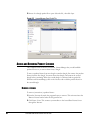
3. Select File > Import License…
4. Browse to the License Manager program files directory.
• 32 bit systems: C:\Program Files\AccessData\LicenseManager\
• 64 bit systems: C:\Program Files (x86)\ AccessData\LicenseManager \
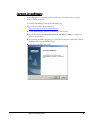
5. Highlight the TemplateDisc5010.wbb file, then click Import.
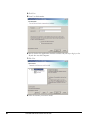
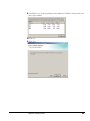
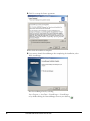
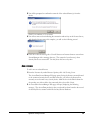
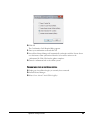
6. Click the Activate License button.
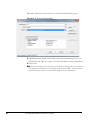
7. When the CmFAS Assistant opens, click Next.
90
AccessData Mobile Phone Examiner Plus User Guide