1
Chapter 1
Configuring the I/O
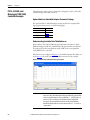
Creating RSLogix 5 Project, Version 7.00 or Later
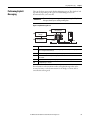
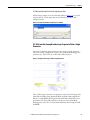
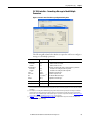
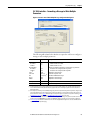
To transmit (read and write) data between the controller and drive, you must
create message instructions that allocate data table addresses in the controller for
Logic Command/Status, Reference/Feedback, and Datalinks. Note that three
messages need to be configured. The timeout message has to be executed first
before the Logic Command, Reference, and DL To/From Net Datalink messages
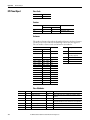
will work. For more information on N42:3 and N45 target device data table
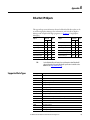
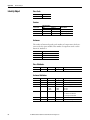
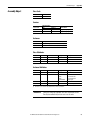
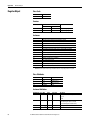
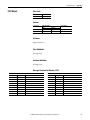
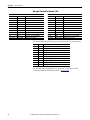
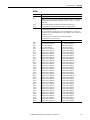
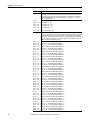
addresses, see N-Files on page 89.
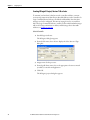
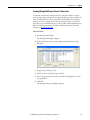
Select the Controller
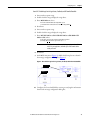
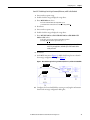
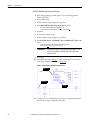
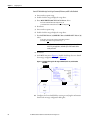
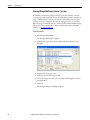
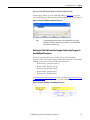
1. Start RSLogix 5 software.
The RSLogix 5 dialog box appears.
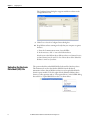
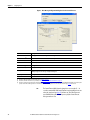
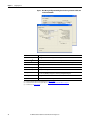
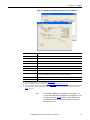
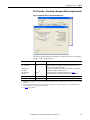
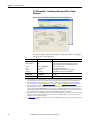
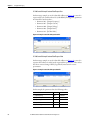
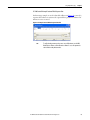
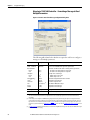
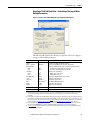
2. From the File menu, choose New to display the Select Processor Type
dialog box.
3. Assign a name for the processor.
4. From the pull-down menus, choose the appropriate selections to match
your PLC-5 controller and application.
5. Click OK.
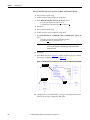
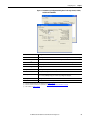
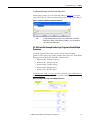
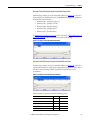
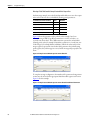
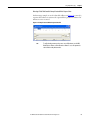
The RSLogix 5 project dialog box appears.
12
Rockwell Automation Publication 750COM-AT001A-EN-P - August 2012