1
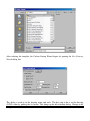
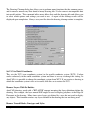
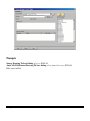
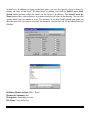
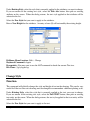
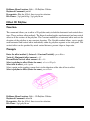
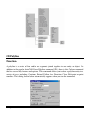
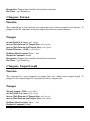
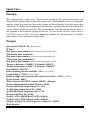
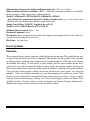
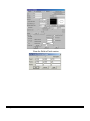
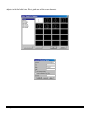
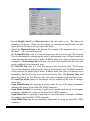
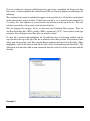
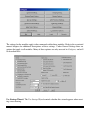
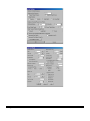
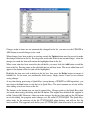
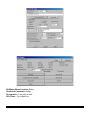
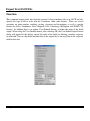
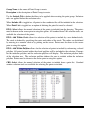
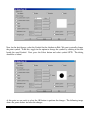
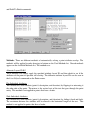
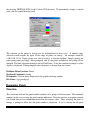
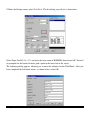
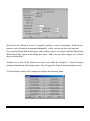
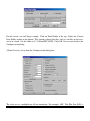
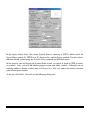
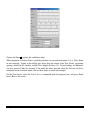
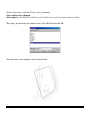
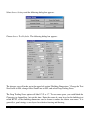
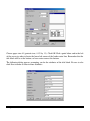
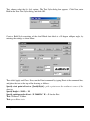
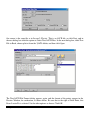
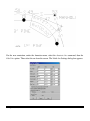
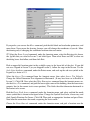
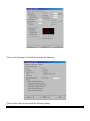
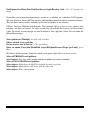
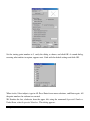
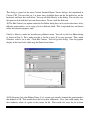
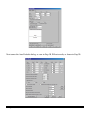
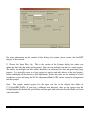
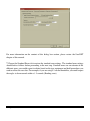
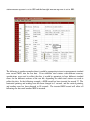
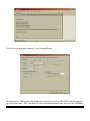
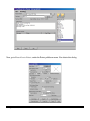
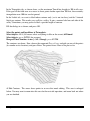
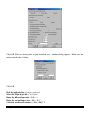
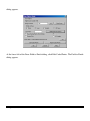
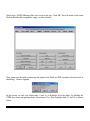
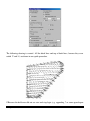
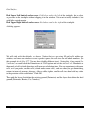
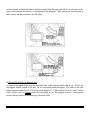
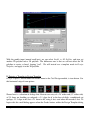
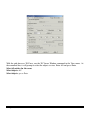
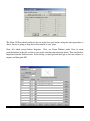
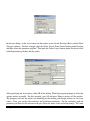
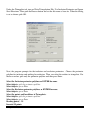
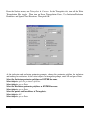
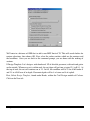
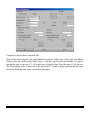
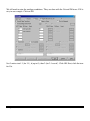
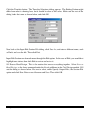
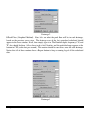
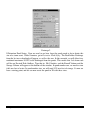
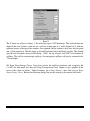
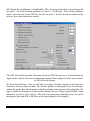
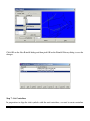
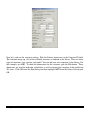
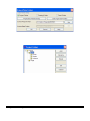
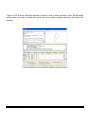
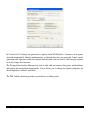
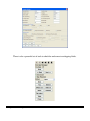
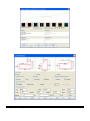
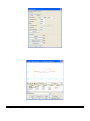
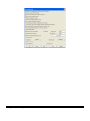
The Show Options on Startup dialog will appear every time the command is run, unless this
is turned off. If you do not want it to come up, then toggle it off. In this dialog you can set the
elevation of the polyline, as well as the layer it will appear on.
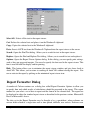
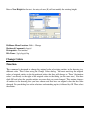
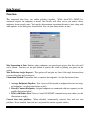
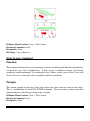
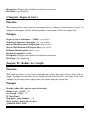
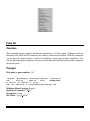
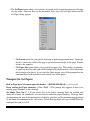
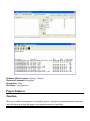
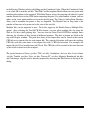
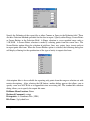
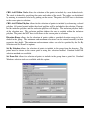
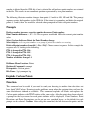
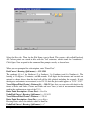
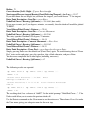
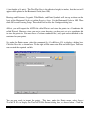
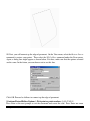
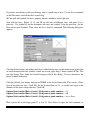
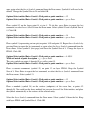
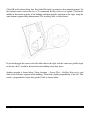
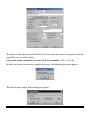
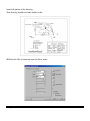
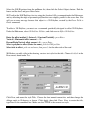
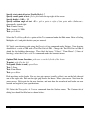
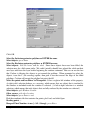
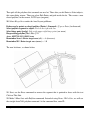
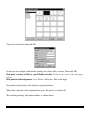
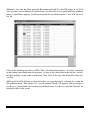
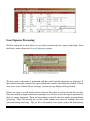
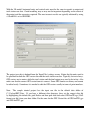
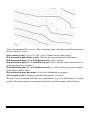
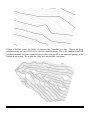
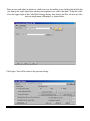
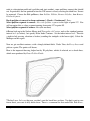
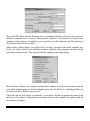
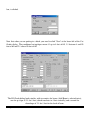
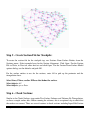
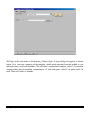
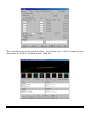
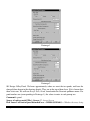
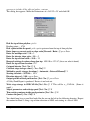
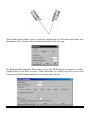
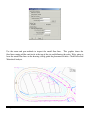
Offset from centerline allows you to make another choice. First, a unique command line appears.
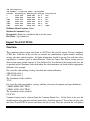
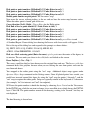
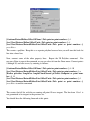
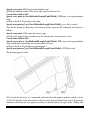
[Continue/Extend/Follow/Offset/Options/<Pick point or point numbers>]:
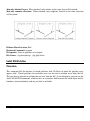
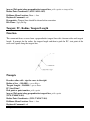
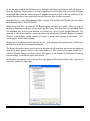
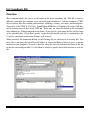
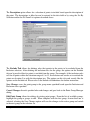
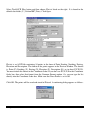
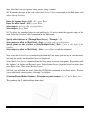
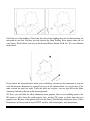
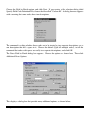
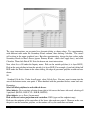
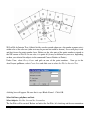
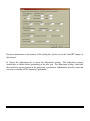
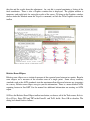
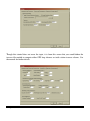
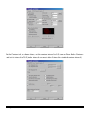
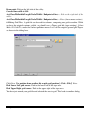
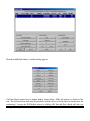
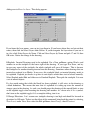
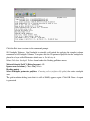
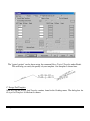
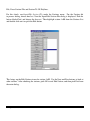
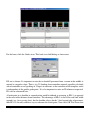
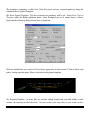
Auto-Zoom mode regenerates the screen as you draw your polyline, to give you the best view
as you are working. Always means it will always regenerate the screen. Proximity regenerates
the screen according to the Proximity Zoom Level % value. Never toggles off this feature. The
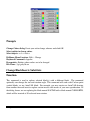
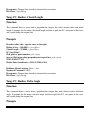
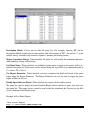
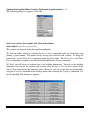
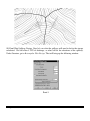
Elevation of the polyline can be set here. The default is 0. If it is off, then the last settings will
apply. To get the box back, choose O for Options on the command line.
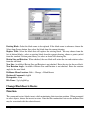
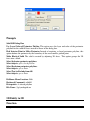
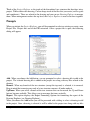
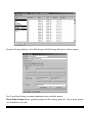
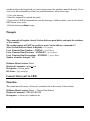
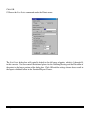
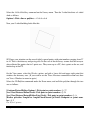
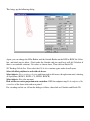
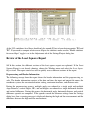
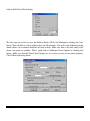
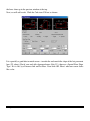
If Use Current Drawing Layer is on, the layer of the new polyline will be the current layer. If
the current layer is not used, the Layer option allows you to Select from a list or Pick from the
screen.
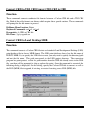
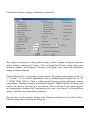
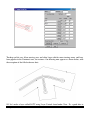
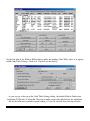
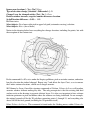
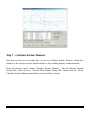
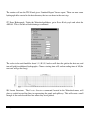
There are three options under Auto-Zoom Mode. Never will not zoom to the last point picked.
Proximity will zoom to the percent proximity set below. Always will always zoom center on
every point.
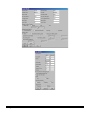
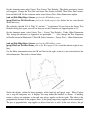
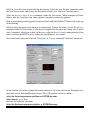
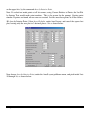
If the Proximity Auto-Zoom mode is checked, the percent of the proximity is set in the box on
the right.
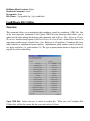
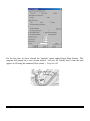
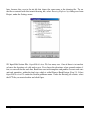
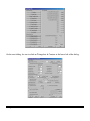
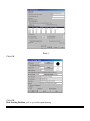
Annotate closed pads, when checked, will make available the Settings button on the right side.
Chapter 2. General Commands
119