1
Input & Output
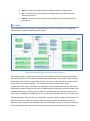
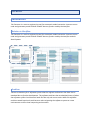
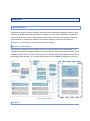
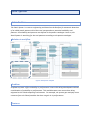
Overview model can be modelled with the Overview diagram editor. Initial configuration can
be made with the import wizard from the Extractor output model, or external partial PCM
model (Repository and System).
The main output of the Overview model is the Extended PCM model, which is used as the
input for the Analyser (see Analyser).
Minimal Example
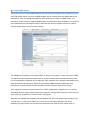
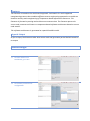
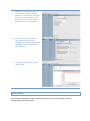
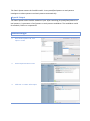
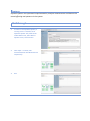
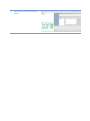
To create an Overview model instance, user has to create a new Overview alternative. This
can be achieved by double clicking on the Overview section in the Workflow diagram, or by
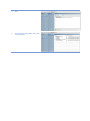
using the Dashboard editor. In the Dashboard editor, user interface section for manipulating
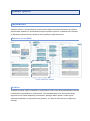
Overview alternatives is under the Overview tab item. Create button opens up the wizard for
creating an empty Overview alternative, or creating initial model from the Extractor result or
external partial PCM model.