1
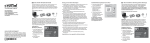
Selecting the Destination Drive
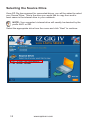
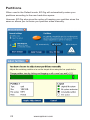
Once you have selected your Source Drive, EZ Gig will ask you to select
your Destination Drive. This is the drive you would like to copy to and in
most cases is the external drive connected to your notebook’s USB port.
NOTE: Your external drive will be denoted by the prefix USB
Select the appropriate drive from the menu and click “Next” to continue.
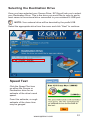
Speed Test
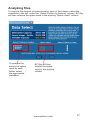
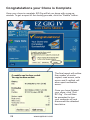
Click the Speed Test icon
on either the Source or
Destination drive for an
estimate of the drive’s read
speed.
From this estimate, a rough
estimate of the clone time
may be gauged
www.apricorn.com
13