1
Chapter 5 — Cable & Antenna Commands
5-9
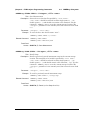
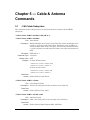
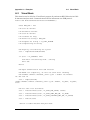
[:SENSe] Subsystem
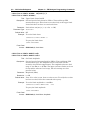
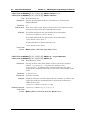
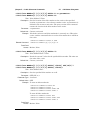
[:SENSe]:FREQuency:LINK UPLINK|DOWNLINK|UPANDDWNLINK
[SENSe]:FREQuency:LINK?
Title: Signal Standard Link
Description: Set “Link” signal standard parameter.
Parameter: UPLINK|DOWNLINK|UPANDDWNLINK
Parameter Type: <char>
Front Panel
Access: Freq/Dist, Signal Standard, UpLink/DownLink/UpLink plus DownLink
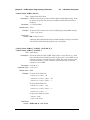
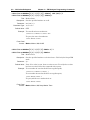
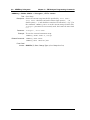
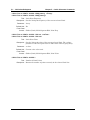
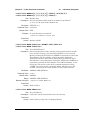
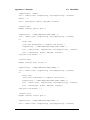
[:SENSe]:FREQuency:SIGStandard:NAMe <string>
[:SENSe]:FREQuency:SIGStandard:NAMe?
Title: Signal Standard
Description: Selects the desired signal standard from the list. The <string>
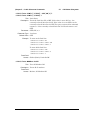
argument is the name of the desired signal standard as displayed in the
instrument’s current signal standard list. The list can be seen on the
instrument by choosing the Signal Standard submenu button in the
Freq menu and then pressing the Select Standard submenu button in
the Signal Standard menu. The list can also be downloaded remotely
and viewed using Anritsu Master Software Tools. For example, if the
desired Signal Standard is E-GSM 900(A) then the value of the <string>
argument would be “P-GSM 900(A)”.
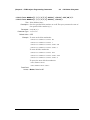
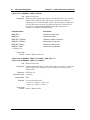
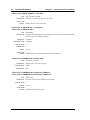
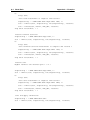
To select Uplink / Downlink / Uplink plus Downlink, use the command
[SENSe:]FREQuency:LINK.
The query form of this command will return the name of the
currently-selected signal.
Standard on the list. To query the link status, use the command
[SENSe:]FREQuency:LINK?
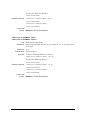
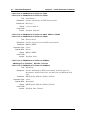
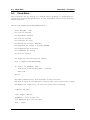
Parameter: <string>
Front Panel
Access: Freq/Dist, Signal Standard, Select Standard
MW82119B PM
PN: 10580-00403 Rev. C
5-29