1
1
MagicDraw Code Engineering
Introduction
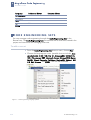
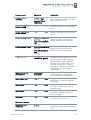
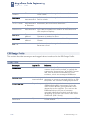
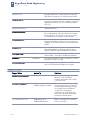
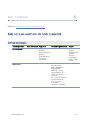
Tab name
Element name
Function
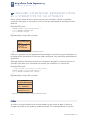
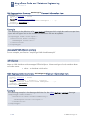
Documentation
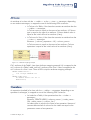
Processor
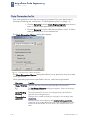
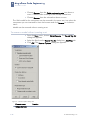
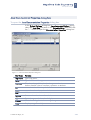
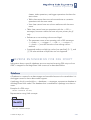
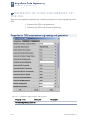
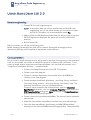
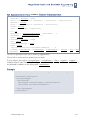
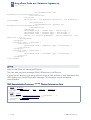
After selecting Java Doc processor, click the “...”
button to open the Documentation Properties
dialog box.
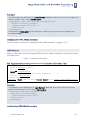
Style
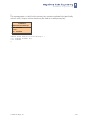
Two styles are available for documentation.
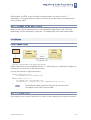
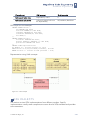
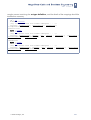
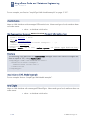
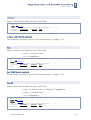
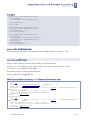
Use CLASSPATH
The ’...’ button is activated. Search a classpath
for importing sentences generation in the Set
classpath dialog box.
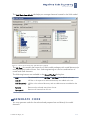
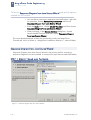
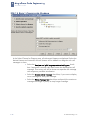
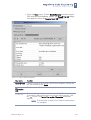
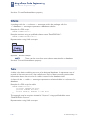
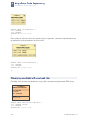
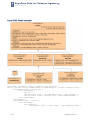
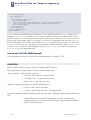
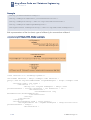
Figure 10 -- Set classpath dialog box
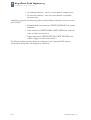
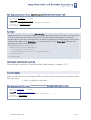
Click the Get from System button to get
CLASSPATH variable defined by operating
system or click the Add button and select the
classpath directory in the Add Classpath dialog
box.
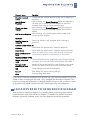
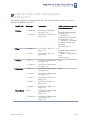
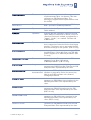
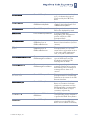
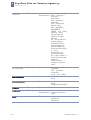
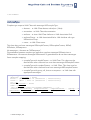
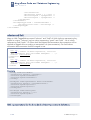
C++ Language
Options
Set the
generated code
style for C++
programming
languages.
Java Source
Available choises 1.4 or 5.0
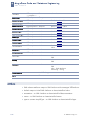
Header
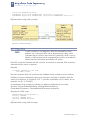
Add the specific header to all your code files.
Click the button and enter header text in the
Header screen.
You may also define $DATE, $AUTHOR, and
$TIME in the header.
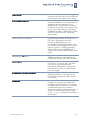
Generate
opening bracket
in new line
Opens a bracket in the newly generated line.
Generate spaces Spaces inside an assignment and other
operators are generated.
Generate empty
documentation
Comment brackets are placed in your code,
unless class in the model has no documentation.
Generate
methods body
into class
Select check box to generate methods body into
class.
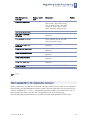
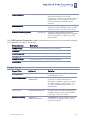
Documentation
Style
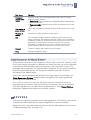
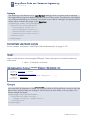
Two styles are available for documentation.
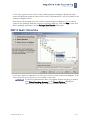
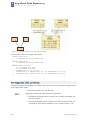
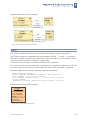
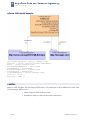
Use include path Select check box. The ’...’ button is activated.
Click the ’...’ button and then specify the path
for the includes in the Set Include Path dialog
box.
1-20
© 2005 No Magic, Inc.