1
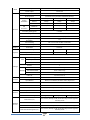
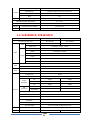
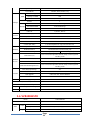
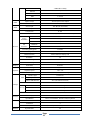
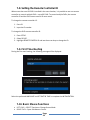
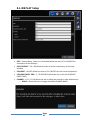
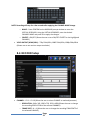
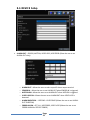
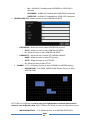
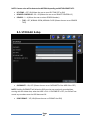
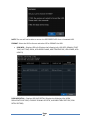
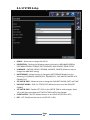
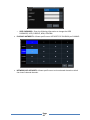
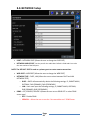
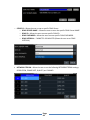
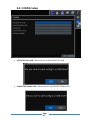
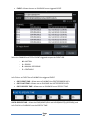
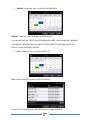
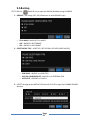
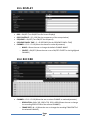
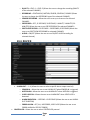
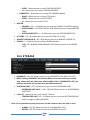
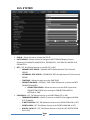
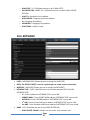
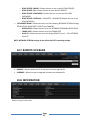
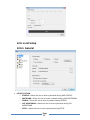
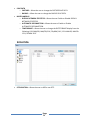
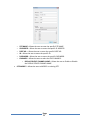
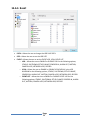
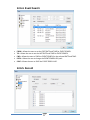
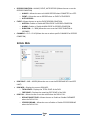
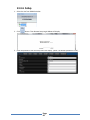
10-1. DISPLAY OSD – ON/OFF (Turn ON/OFF the On Screen Displays) OSD CONSTRAST – 50 ~ 100 (Set the transparency of the setup window) SEQUENCE – ON/OFF (Turn ON/OFF the Sequence) SEQUENCE-DWELL TIME – 3 ~ 60 SECONDS (Set the SEQUENCE-DWELL TIME) CHANNEL – CH 1 ~ CH 16 (Select the channel to make adjustments) o NAME – Allows the user to change the default CHANNEL NAME. o COVERT – ON/OFF (Allows the user to turn ON/OFF COVERT for the highlighted CHANNEL) 10-2. RECORD CHANNEL – CH 1 ~ CH 16 (Allows the user to select CHANNEL to make adjustments) o RESOLUTION – 640 x 360, 1280 x 720, 1920 x 1080 (Allows the user to change the recording RESOLUTION of the selected CHANNEL) o FRAME RATE – # ~ # (Allows the user to change the recording FRAME RATE of the selected CHANNEL) Page 58