1
Sage Developer’s Guide, Release 6.9
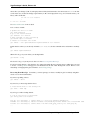
Updating Master
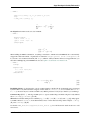
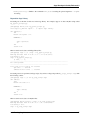
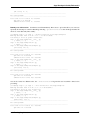
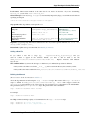
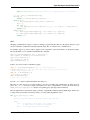
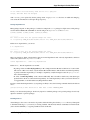
The master branch can be updated just like any other branch. However, your local copy of the master branch should
stay identical to the trac master branch.
If you accidentally added commits to your local copy of master, you must delete them before updating the branch.
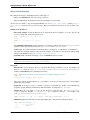
One way to ensure that you are notified of potential problems is to use git pull --ff-only, which will raise an
error if a non-trivial merge would be required:
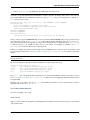
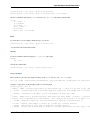
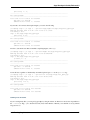
[user@localhost sage]$ git checkout master
[user@localhost sage]$ git pull --ff-only trac master
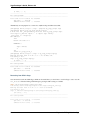
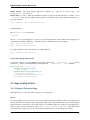
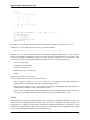
If this pull fails, then something is wrong with the local copy of the master branch. To switch to the correct Sage
master branch, use:
[user@localhost sage]$ git checkout master
[user@localhost sage]$ git reset --hard trac/master
Merging and Rebasing
Sometimes, a new version of Sage is released while you work on a git branch.
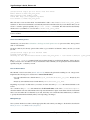
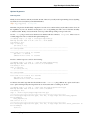
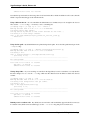
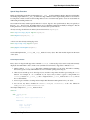
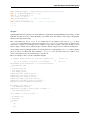
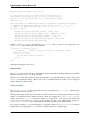
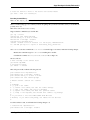
Let us assume you started my_branch at commit B. After a while, your branch has advanced to commit Z, but you
updated master (see Updating Master) and now your git history looks like this (see The History):
X---Y---Z my_branch
/
A---B---C---D master
How should you deal with such changes? In principle, there are two ways:
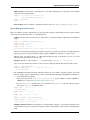
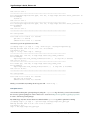
• Rebase: The first solution is to replay commits X,Y,Z atop of the new master. This is called rebase, and it
rewrites your current branch:
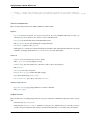
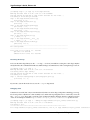
git checkout my_branch
git rebase -i master
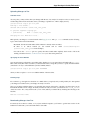
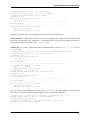
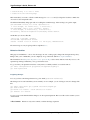
In terms of the commit graph, this results in:
X’--Y’--Z’ my_branch
/
A---B---C---D master
Note that this operation rewrites the history of my_branch (see Rewriting History). This can lead to problems
if somebody began to write code atop of your commits X,Y,Z. It is safe otherwise.
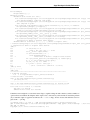
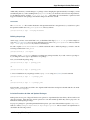
Alternatively, you can rebase my_branch while updating master at the same time (see Getting Changes):
git checkout my_branch
git pull -r master
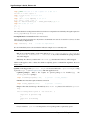
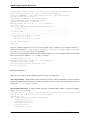
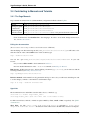
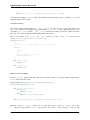
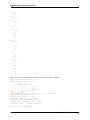
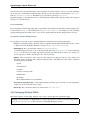
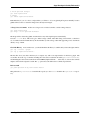
• Merging your branch with master will create a new commit above the two of them:
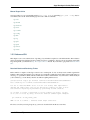
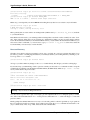
git checkout my_branch
git merge master
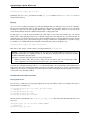
The result is the following commit graph:
18
Chapter 1. Git for Sage development