1
Global Array Manager Server Software for Windows 2000 and Windows XP
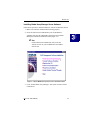
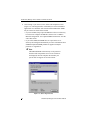
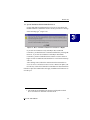
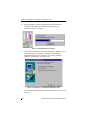
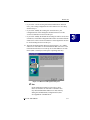
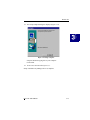
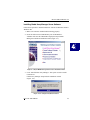
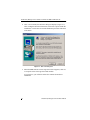
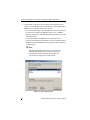
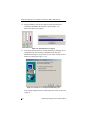
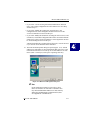
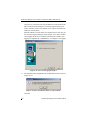
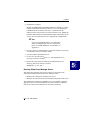
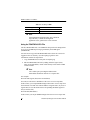
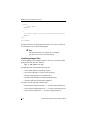
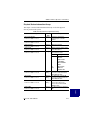
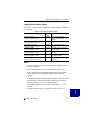
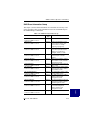
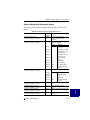
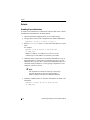
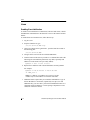
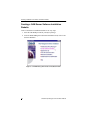
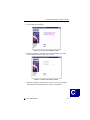
8. Click Change if you want to see the Select Sub-components screen
(Figure 4-5). The Program Files will normally be selected. DMI and/or
SNMP may be selected or deselected as needed:
• If you select DMI, Setup copies the DMI files to the server directory,
but it does not configure the DMI files. Please refer to “DMI CI
Manual Configuration” and “Optional DMI CI Parameters” near the
end of this section.
• If you select SNMP, the SNMP files are copied to the server
directory and configured automatically. For more information about
SNMP and Optional SNMP Parameters support in Mylex products,
see Appendix A.
☛ Note
The DMI and SNMP selections may not be present in
the Select Sub-components screen. If one or both are
not displayed, then the setup has detected that your
system does not support one or both of them.
Figure 4-5. Sub-Components List
4-6
Global Array Manager Server Software Manual