1
Clearing Jammed Roll Paper
iPF850 Series
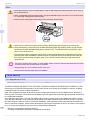
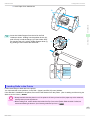
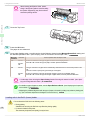
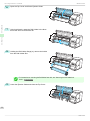
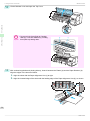
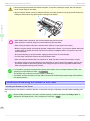
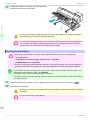
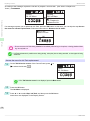
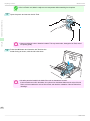
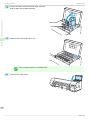
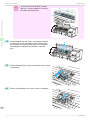
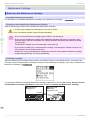
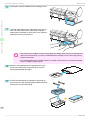
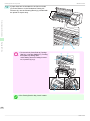
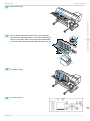
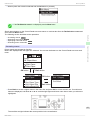
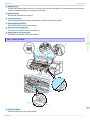
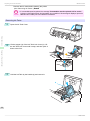
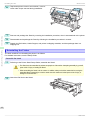
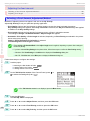
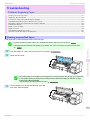
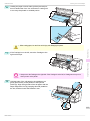
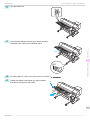
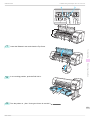
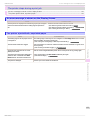
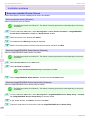
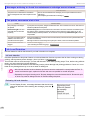
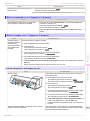
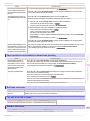
• Do not touch the Linear Scale (a), Carriage
Important
a
Shaft (b), or Ink Tube Stabilizer (c). Touching
these parts may damage them.
c
b
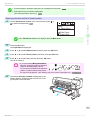
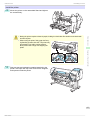
4
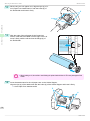
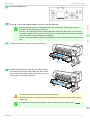
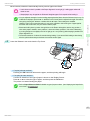
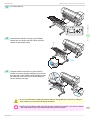
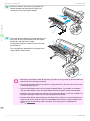
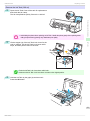
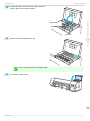
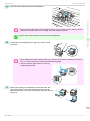
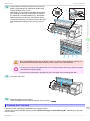
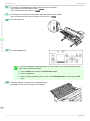
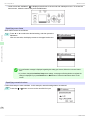
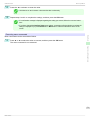
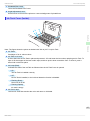
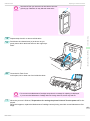
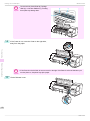
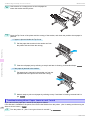
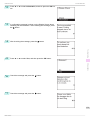
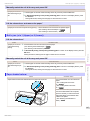
If the Cutter is out, move the Cutter to the right side,
away from the paper.
Troubleshooting
Problems Regarding Paper
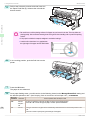
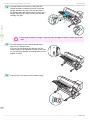
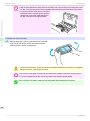
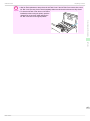
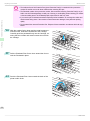
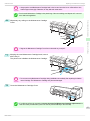
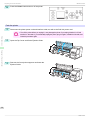
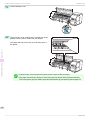
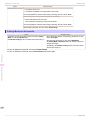
• If the Cutter is on the left side, be sure to move it to the right. If the Cutter is on the left side when you
Important
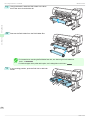
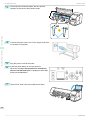
5
turn the printer on, the printer may rip the paper.
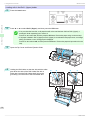
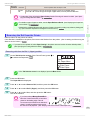
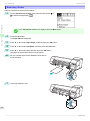
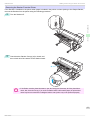
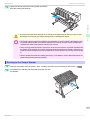
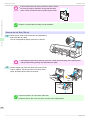
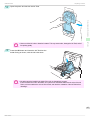
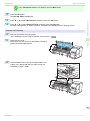
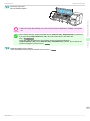
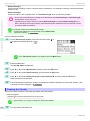
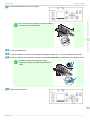
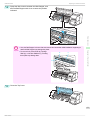
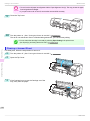
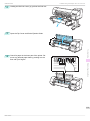
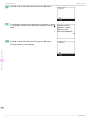
Lift the Release Lever.
112
Basic Guide