1
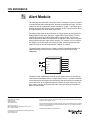
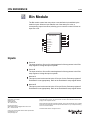
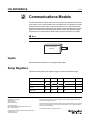
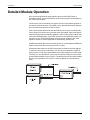
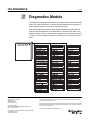
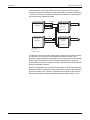
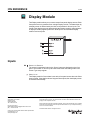
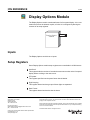
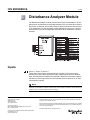
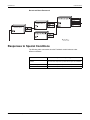
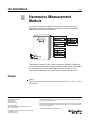
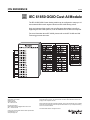
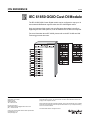
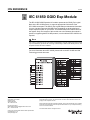
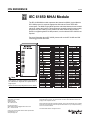
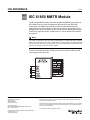
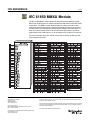
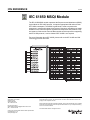
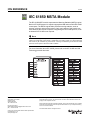
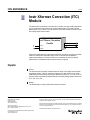
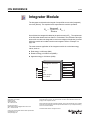
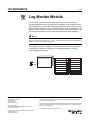
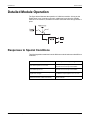
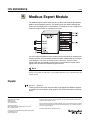
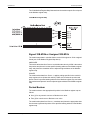
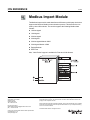
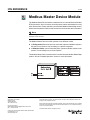
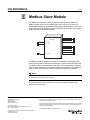
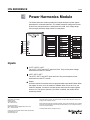
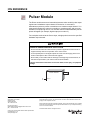
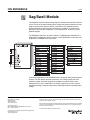
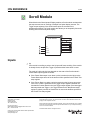
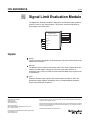
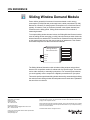
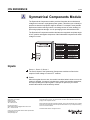
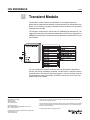
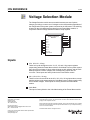
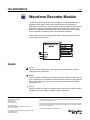
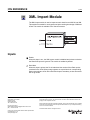
Mains Signaling Evaluation Module
ION Reference
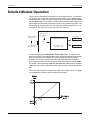
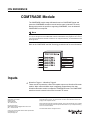
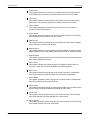
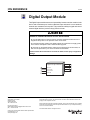
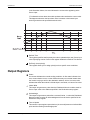
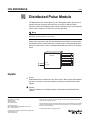
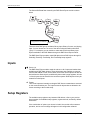
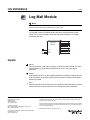
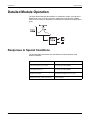
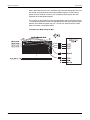
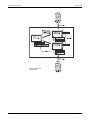
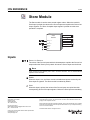
Enable
This input enables or disables the module’s operation. If this input is set to FALSE,
then the outputs will not be updated, and pulses at the Evaluate will be ignored.
This input is optional; if you leave it unlinked, the module will be enabled by default.
Evaluate
A pulse at this input triggers the module to perform its statistical evaluation, and
update its output registers. This input must be linked for the module to go online.
Reset
This input resets the module’s outputs to NOT AVAILABLE until the next evaluation
occurs. Linking this input is optional; if you leave it unlinked, the input will never
receive a pulse.
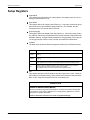
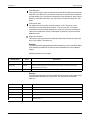
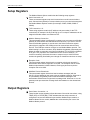
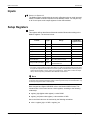
Setup Registers
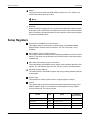
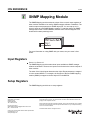
Frequency
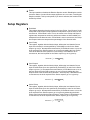
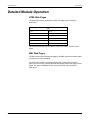
This register specifies the signal frequency of interest. The minimum frequency is
5Hz; maximum frequency differs depending on meter model and firmware.
Limit
This register specifies the allowable signal voltage threshold as a percentage of the
fundamental.
EvPriority
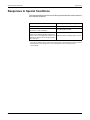
This register allows you to set a custom priority level to certain events written to the
Event output register. When EvPriority is zero, no event is written. Refer to the
Event output register description for details.
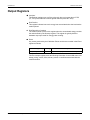
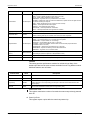
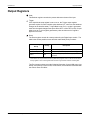
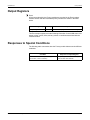
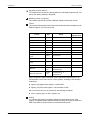
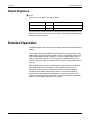
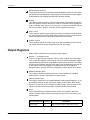
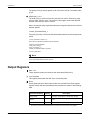
Output Registers
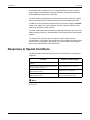
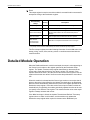
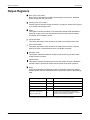
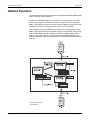
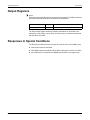
Num Valid
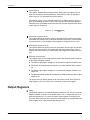
The number of valid evaluation intervals.
Num Invalid
The number of invalid evaluation intervals.
Num Exceed
The number of valid (see Num Valid) evaluation intervals where the specified
frequency exceeded the specified limit.
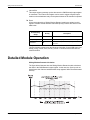
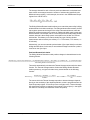
Signal Freq Mag
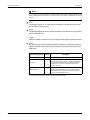
The signal frequency magnitude is output to this register when the Evaluate input
is pulsed. This register = N/A if the Valid input is linked and is FALSE.
Fundamental Freq Mag
The fundamental frequency magnitude is output to this register when the Evaluate
input is pulsed. This register = N/A if the Valid input is linked and is FALSE.
Page 360
© 2008 Schneider Electric. All rights reserved.