1
ChamSys Ltd
4.3
www.chamsys.co.uk
Starting a New Show
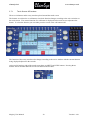
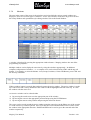
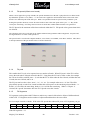
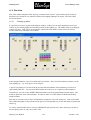
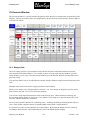
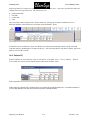
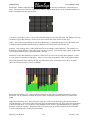
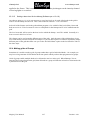
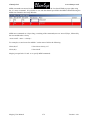
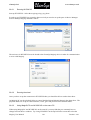
To start a new show, go to the Setup Window and press the NEW SHOW soft button. This will clear the
current show from memory – shows that have been previously saved to disc will not be affected. You will
be asked to confirm by selecting YES.
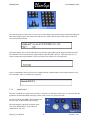
There is a choice of four modes.
•
Normal - faders activate Cue Stacks. When recording, all data in the programmer is stored in recorded
cues
•
Theatre non-track - faders operate levels only. When recording, all data in the programmer is stored
in recorded cues
•
Theatre tracking - faders operate levels only. When recording only data in the programmer that has
changed since the last record is stored in recorded cues
•
Hog II warp – like Theatre Tracking but with some extra features to make the programming more
familiar to Hog II users.
In Theatre modes, fixtures return to their default values when under control of a playback or the
programmer. The keypad is set up to enable selection of Palettes using Palette numbers, and Cue Stack
timing defaults to being stepped timing rather than chase timing.
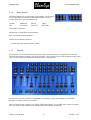
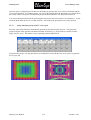
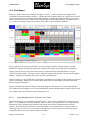
The mode can be changed at any time by using the Programming Mode soft button in the Setup Window.
In addition each individual option / default value can be customised by the user and saved as their personal
settings file.
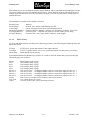
Starting a show clears all patching, all programming and all palettes. It does not clear console specific
options such as the configuration of the DMX outputs or the calibration of the touch screen.
MagicQ User Manual
38
Version 1.4.8.1