1
Family
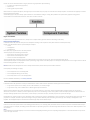
The Family class represents an entire Revit family. It contains the FamilySymbols used by FamilyInstances.
Loading Families
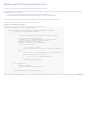
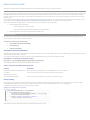
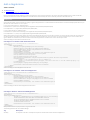
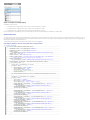
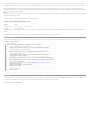
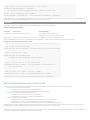
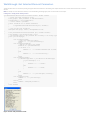
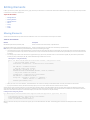
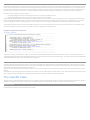
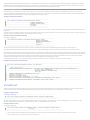
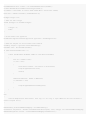
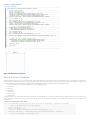
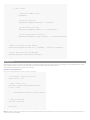
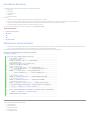
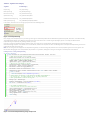
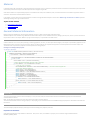
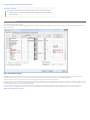
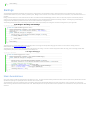
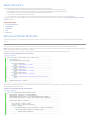
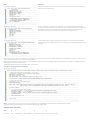
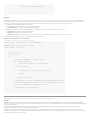
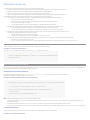
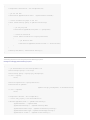
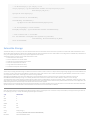
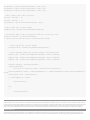
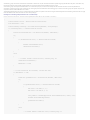
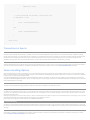
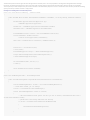
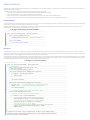
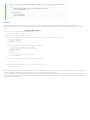
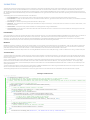
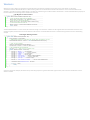
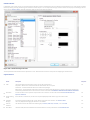
The Document class contains the LoadFamily() and LoadFamilySymbol() methods.
•
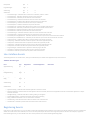
LoadFamily() loads an entire family and all of its types or symbols into the project.
•
LoadFamilySymbol() loads only the specified family symbol from a family file into the project.
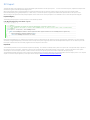
NoteTo improve the performance of your application and reduce memory usage, if possible load specific FamilySymbols instead of entire Family objects.
•
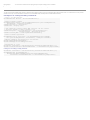
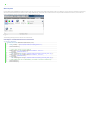
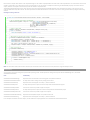
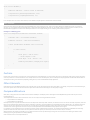
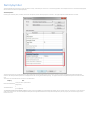
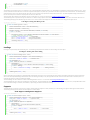
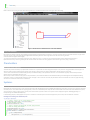
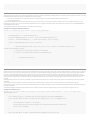
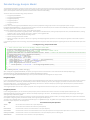
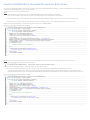
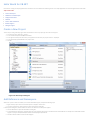
The family file path is retrieved using the Options.Application object GetLibraryPaths() method.
•
The Options.Application object is retrieved using the Application object Options property.
•
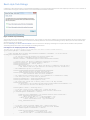
In LoadFamilySymbol(), the input argument Name is the same string value returned by the FamilySymbol object Name property.
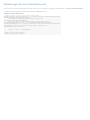
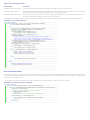
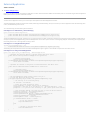
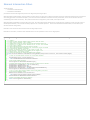
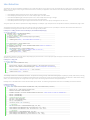
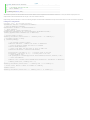
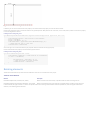
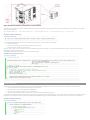
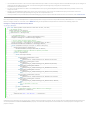
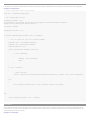
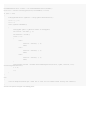
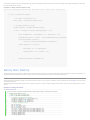
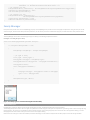
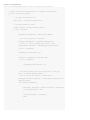
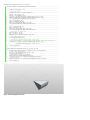
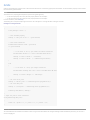
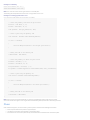
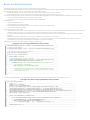
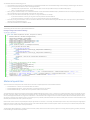
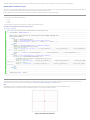
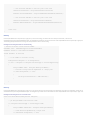
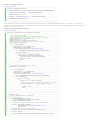
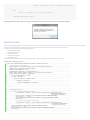
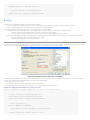
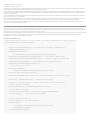
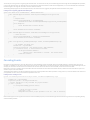
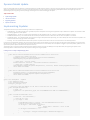
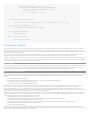
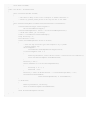
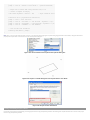
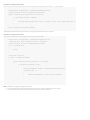
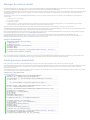
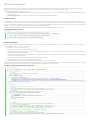
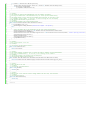
For more information, refer to Code Samples.
Categories
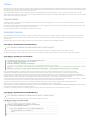
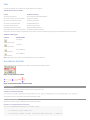
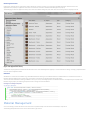
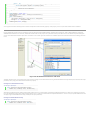
The FamilyBase.FamilyCategory property indicates the category of the Family such as Columns, Furniture, Structural Framing, or Windows.
FamilyInstances
Examples of categories of FamilyInstance objects in Revit are Beams, Braces, Columns, Furniture, Massing, and so on. The FamilyInstance object provides more detailed
properties so that the family instance type and appearance in the project can be changed.
Location-Related Properties
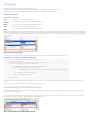
Location-related properties show the physical and geometric characteristics of FamilyInstance objects, such as orientation, rotation and location.
Orientation
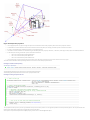
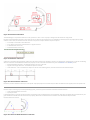
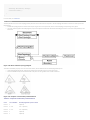
The face orientation or hand orientation can be changed for some FamilyInstance objects. For example, a door can face the outside or the inside of a room or wall and it
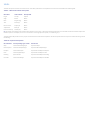
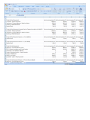
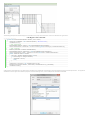
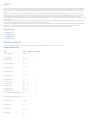
can be placed with the handle on the left side or the right side. The following table compares door, window, and desk family instances.
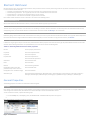
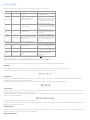
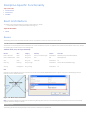
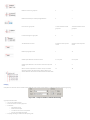
Table 29: Compare Family Instances
Boolean Property
Door
Window (Fixed: 36"w × 72"h)
Desk
CanFlipFacing
True
True
False
CanFlipHand
True
False
False
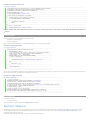
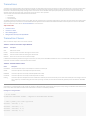
If CanFlipFacing or CanFlipHand is true, you can call the flipFacing() or flipHand() methods respectively. These methods can change the facing orientation or hand
orientation respectively. Otherwise, the methods do nothing and return False.
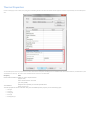
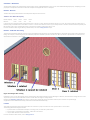
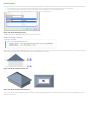
When changing orientation, remember that some types of windows can change both hand orientation and facing orientation, such as a Casement 3x3 with Trim family.
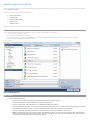
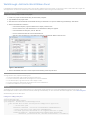
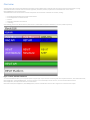
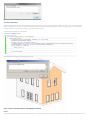
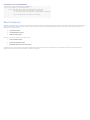
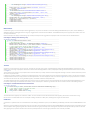
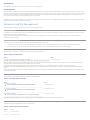
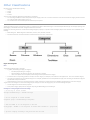
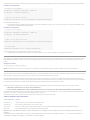
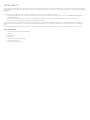
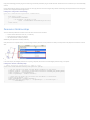
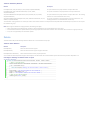
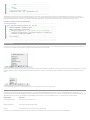
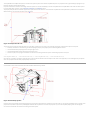
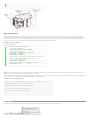
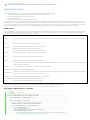
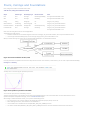
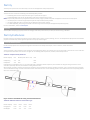
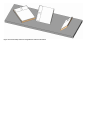
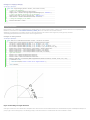
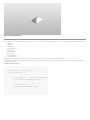
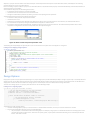
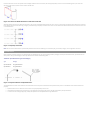
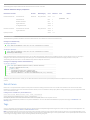
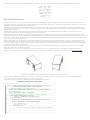
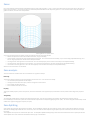
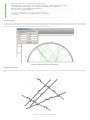
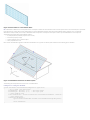
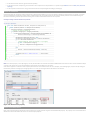
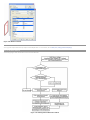
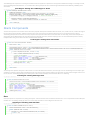
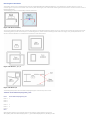
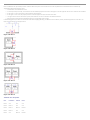
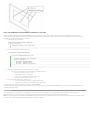
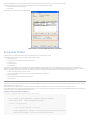
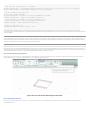
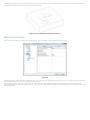
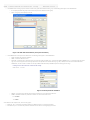
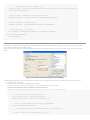
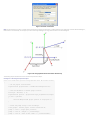
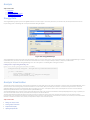
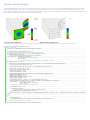
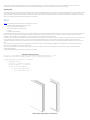
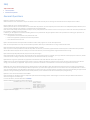
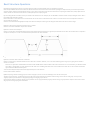
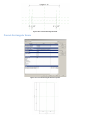
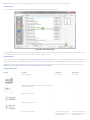
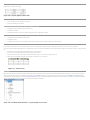
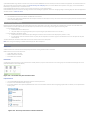
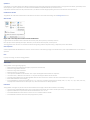
There are four different facing orientation and hand orientation combinations for doors. See the following picture for the combinations and the corresponding Boolean
values are in the following table.
Figure 44: Doors with different Facing and Hand Orientations
Table 30: Different Instances of the Same Type
Boolean Property
Door 1
Door 2
Door 3
Door 4
FacingFlipped
False
True
False
True
HandFlipped
False
True
True
False