1
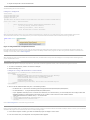
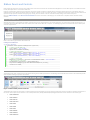
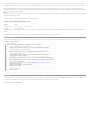
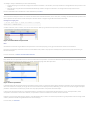
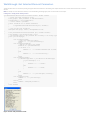
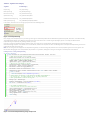
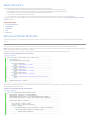
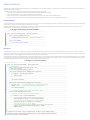
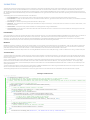
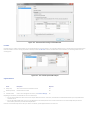
Expanded Content (optional - rarely used)
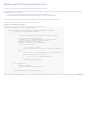
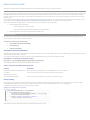
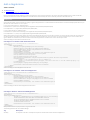
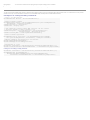
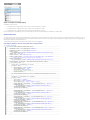
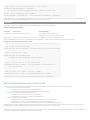
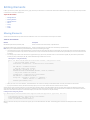
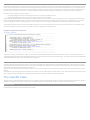
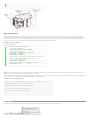
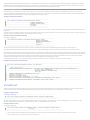
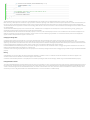
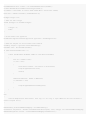
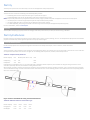
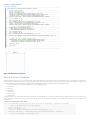
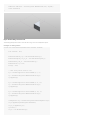
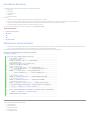
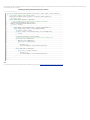
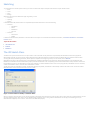
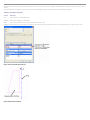
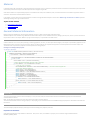
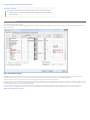
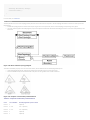
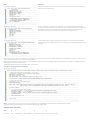
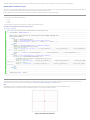
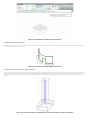
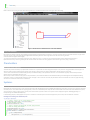
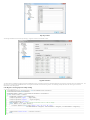
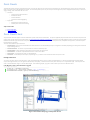
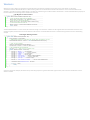
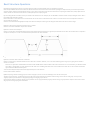
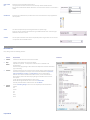
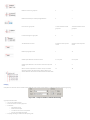
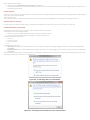
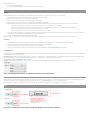
This text is hidden by default and will display at the bottom of the task dialog when the "Show" button is pressed.
• Expanded content is optional, and should be rarely used. It is used for information that is not essential (advance or additional information), or that doesn't apply to
most situations
• [English Language Versions] Expanded content should be written in sentence format (normal capitalization and punctuation)
• [English Language Versions] Address the user directly as "you" when needed
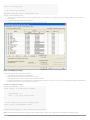
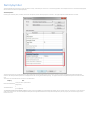
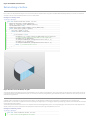
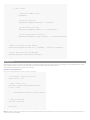
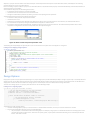
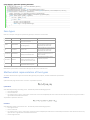
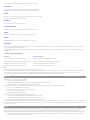
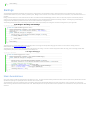
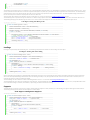
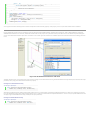
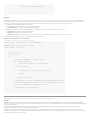
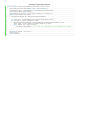
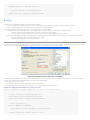
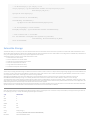
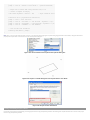
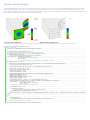
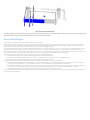
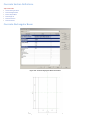
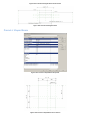
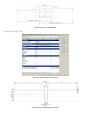
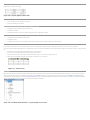
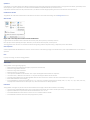
Figure 227 - The Show Details button displays additional Main Content text
Main Image (optional - low usage)
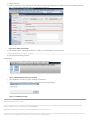
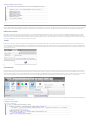
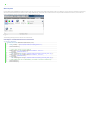
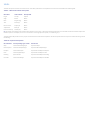
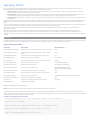
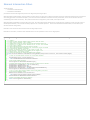
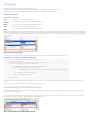
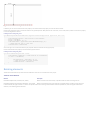
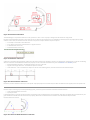
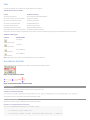
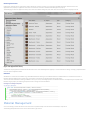
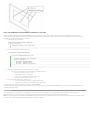
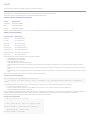
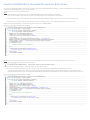
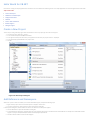
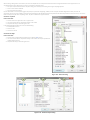
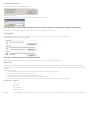
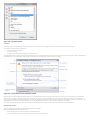
Task dialogs support the inclusion of an image to the left of the main instructions. Prior to task dialogs it has been common for most dialogs to have some sort of icon to
show that the information it contained was informative, a warning, and error, etc.
Because images were used all the time the value of any image in a dialog was low.
For Autodesk products the warning icon (exclamation point in a yellow triangle) should only be used in situations where a possible action will be destructive in some
way and likely cause loss of data or significant loss of time in rework.
A few examples include:
• Overwriting a file
• Saving to an older or different format where data may be lost
• Permanently deleting data
• Breaking associations between files through moving or renaming
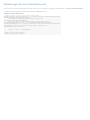
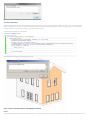
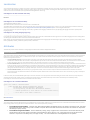
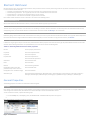
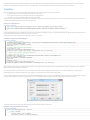
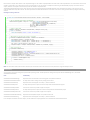
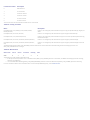
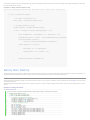
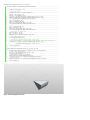
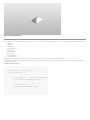
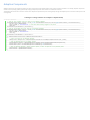
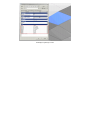
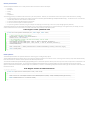
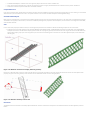
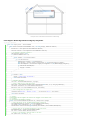
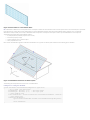
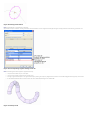
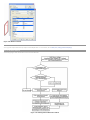
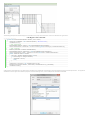
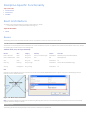
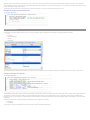
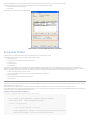
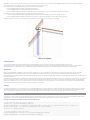
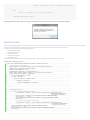
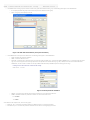
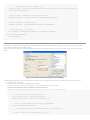
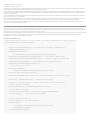
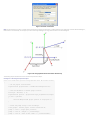
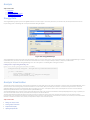
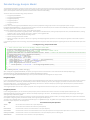
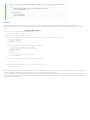
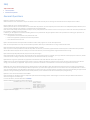
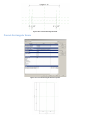
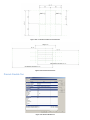
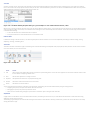
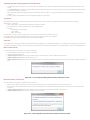
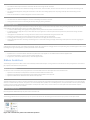
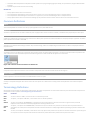
This is only a partial list. With the exception of such situations usage of a main image should be avoided. See Figure 228 for an example of a Task
Dialog with a warning icon.
"Do not show me again" (DNSM) Checkbox (optional)
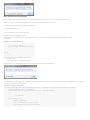
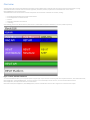
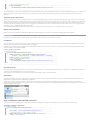
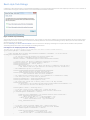
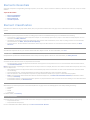
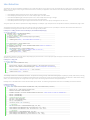
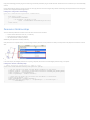
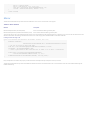
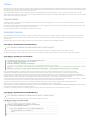
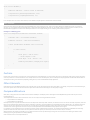
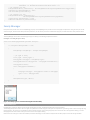
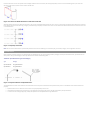
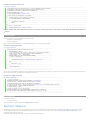
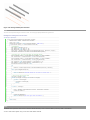
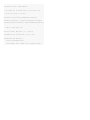
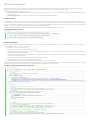
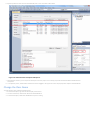
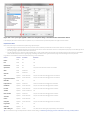
Task dialogs support a "Do not show me again" checkbox that can be enabled on dialogs that users can opt to not see in the future. The standard wording for the label on
this checkbox for English language versions is:
"Do not show me this message again"
Do not is not contracted to "Don't" and there is no punctuation at the end of the line.
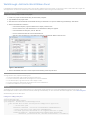
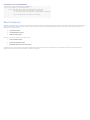
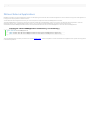
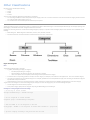
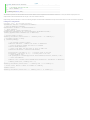
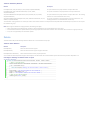
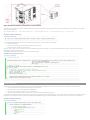
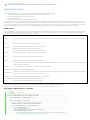
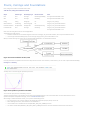
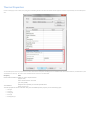
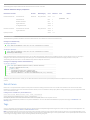
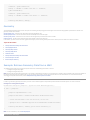
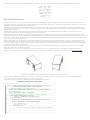
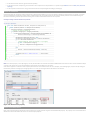
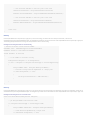
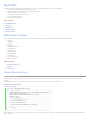
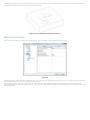
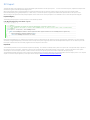
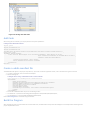
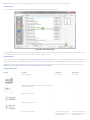
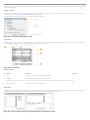
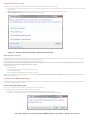
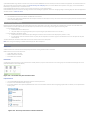
For the single action the working should be "Always <action>" - for example
• If the action is "Save current drawing" the checkbox label would read "Always save current drawing"
• If the action is "Convert objects to linework" the checkbox label would read "Always convert objects to linework"
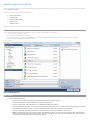
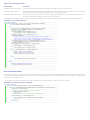
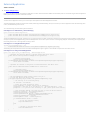
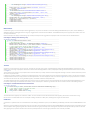
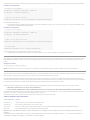
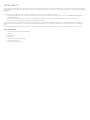
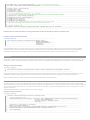
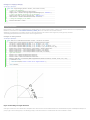
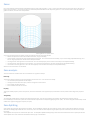
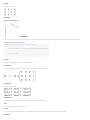
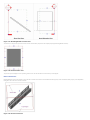
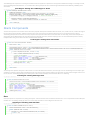
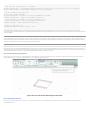
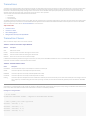
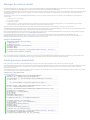
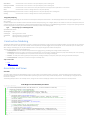
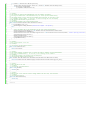
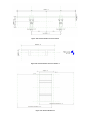
Figure 228 - Example of a task dialog using the DNSMA checkbox as an "Always…" checkbox for one choice