1
Getting Started
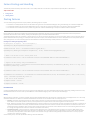
The Revit Platform API is fully accessible by any language compatible with the Microsoft .NET Framework 4.0, such as Visual C# or Visual Basic .NET (VB.NET). Both Visual C#
and VB.NET are commonly used to develop Revit Platform API applications. However, the focus of this manual is developing applications using Visual C#.
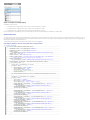
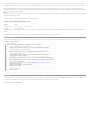
Topics in this section
•
Walkthroughs
•
Walkthrough: Hello World
•
Walkthrough: Add Hello World Ribbon Panel
•
Walkthrough: Retrieve Selected Elements
•
Walkthrough: Retrieve Filtered Elements
Walkthroughs
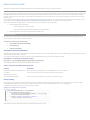
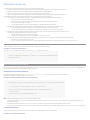
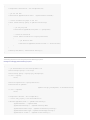
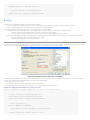
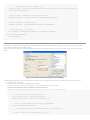
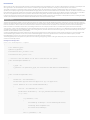
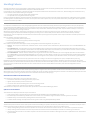
If you are new to the Revit Platform API, the following topics are good starting points to help you understand the product. Walkthroughs provide step-by-step instructions
for common scenarios, helping you learn about the product or a particular feature. The following walkthroughs will help you get started using the Revit Platform API:
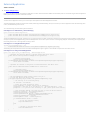
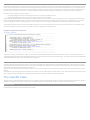
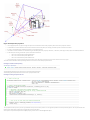
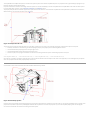
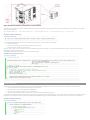
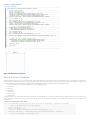
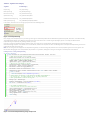
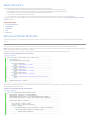
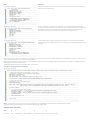
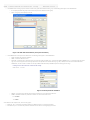
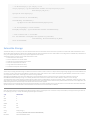
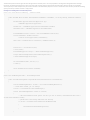
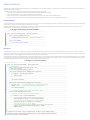
Walkthrough: Hello World - Illustrates how to create an add-in using the Revit Platform API.
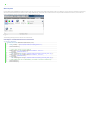
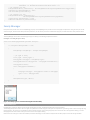
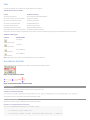
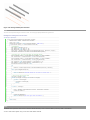
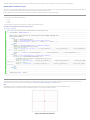
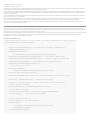
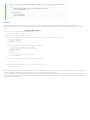
Walkthrough: Add Hello World Ribbon Panel - Illustrates how to add a custom ribbon panel.
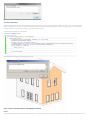
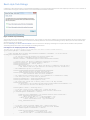
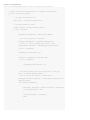
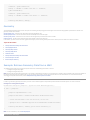
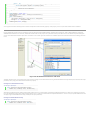
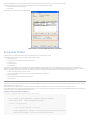
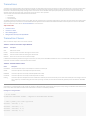
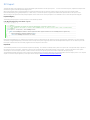
Walkthrough: Retrieve Selected Elements - Illustrates how to retrieve selected elements.
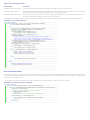
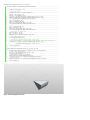
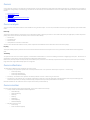
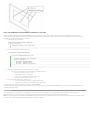
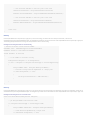
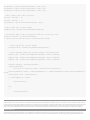
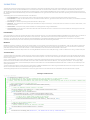
Walkthrough: Retrieve Filtered Elements - Illustrates how to retrieve elements based on filter criteria.