1
VMware ESX Server Administration Guide
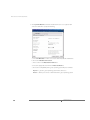
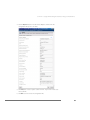
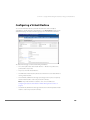
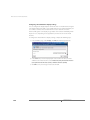
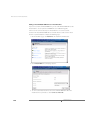
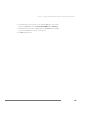
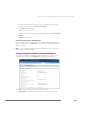
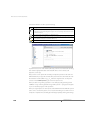
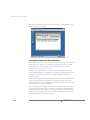
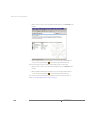
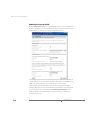
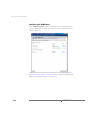
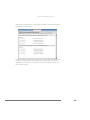
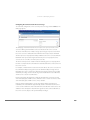
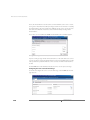
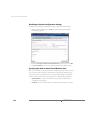
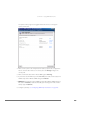
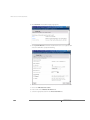
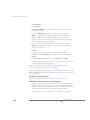
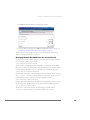
3. Click Add to add a new configuration parameter or click in the text field to edit
an existing parameter.
4. Click OK.
If you edit a virtual machine’s configuration file by hand, use the following formats to
control disk bandwidth allocation for the virtual machine.
scsi0:1.name = <fsname>:<diskname>.vmdk
This is the standard format for specifying the VMFS file underlying a virtual disk.
sched.scsi0:1.shares = n
This configuration option specifies the initial disk bandwidth share allocation for a
virtual machine for the disk scsi0:1 to be n shares. The valid range of numerical
values for n is 1 to 100000. You may also use the special values low, normal and
high. These values are automatically converted into numbers, through the
configuration options DiskSharesLow, DiskSharesNormal and
DiskSharesHigh, described in the next section. If the number of shares for a disk
is not specified, the assigned allocation is normal, with a default value of 1000 shares.
Note: It is possible for a configuration file to have multiple lines specifying the
number of shares. If this happens, the last value specified is used.
Configuration File Examples
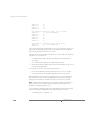
scsi0.virtualdev = vmxbuslogic
scsi0:1.present = TRUE
scsi0:1.name = vmhba0:2:0:5:rh6.2.vmdk
scsi0:1.mode = persistent
sched.scsi0:1.shares = high
scsi0:2.present = TRUE
scsi0:2.name = scratchfs:scratch1.vmdk
sched.scsi0:2.shares = 800
In the example above, the first four lines in the first group and the first two lines in the
second group are present in the configuration file before you make your changes. The
final line in each group is the added line to specify the disk bandwidth allocation.
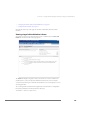
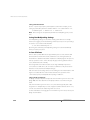
Managing Disk Bandwidth from the Service Console
Use the following guidelines for the service console commands to monitor and
manage allocation of disk bandwidth on an ESX Server computer.
/proc/vmware/vm/<id>/disk/vmhba<x:y:z>
430
www.vmware.com