1
Introduction
6.
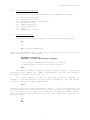
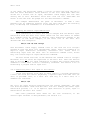
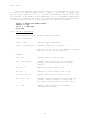
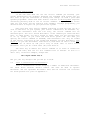
Now try this. Type:
fullprmp
Now you've got a new prompt that includes the disk drive, the user number and
a bell (to tell you when a command is done.) (If you got a "fullprmp?", you
haven't copied the ".sub" files on the distribution disk to the disk you're
using. Go back and do that and then continue.)
If you don't like that prompt, type:
normprmp
and you get the "B(O) " prompt back. You can change the prompt to your
liking. See Section 2.4 on "Shell Flags."
7.
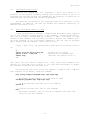
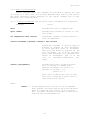
SH.OVR is the
following functions:
MicroShell
overlay
file.
It
is
necessary
for
the
-
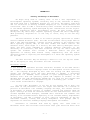
Expanded Error Messages.
See Appendix B.
-
Append (">>") Function.
See Section 2.5.1.
-
MioroShell Status ("-s") Report.
-
Extended Shell Functions:
All functions starting with "%", e.g.
%print, %if...., %iffile ..., etc. See Section 4.9.
-
WordStar like Command Line Editing.
See Section 2.4.8.
See Section 2.8.
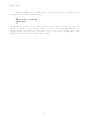
If SH.OVR is not present, MicroShell will perform all other functions
normally but wil1 respond with "Requires SH.OVR" if one of the above
functions is attempted.
7.
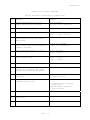
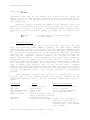
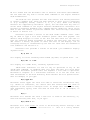
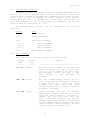
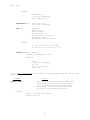
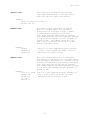
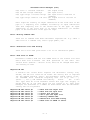
Now you have the beginning of MicroShell and an idea of the power of
the UNIX operating system that it emulates under CP/M. A summary of the
special command line characters and shell flags follows. Try each feature to
get an idea of what MicroShell can do. This summary is identical to Appendix
F and can be removed from manual and used for reference.
Intro - 2