1
Spectrum User’s Guide (Ver. 6.24+)
ª ACCESSING FIELD HELP
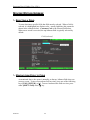
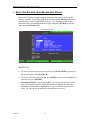
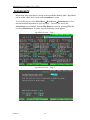
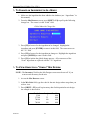
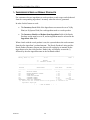
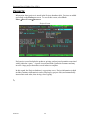
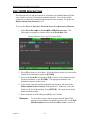
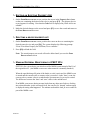
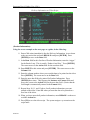
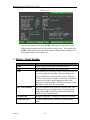
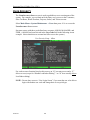
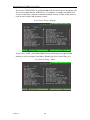
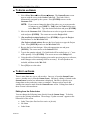
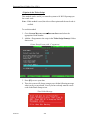
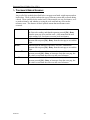
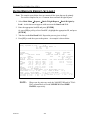
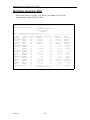
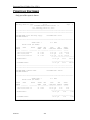
Additional information is available online for many fields. To access online help
for a non-browseable field, select the desired field and press [F2]. To access
online help for a browseable field, select the desired field and press [F2] two
times. If no online help exists for the selected field, the system displays a
message stating that no online help is available.
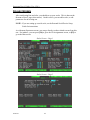
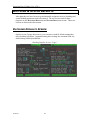
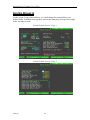
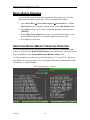
EXITING MENUS AND SCREENS
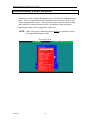
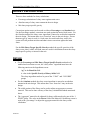
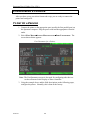
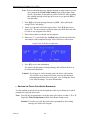
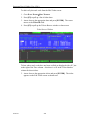
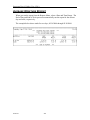
To exit a menu or a screen, press [ESC]. This method of exiting removes menus
and screens sequentially until you get to the MAIN MENU.
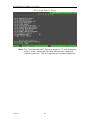
NOTE:
02/09/10
To shut down the Spectrum, always follow the “Shutdown
Procedure” given in this guide.
24