1
Communications via M-Bus
iEM3100 / iEM3200 / iEM3300 series user manual
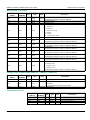
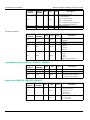
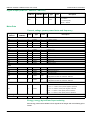
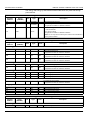
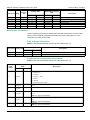
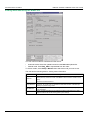
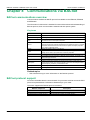
Viewing meter data using the M-Bus tool
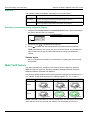
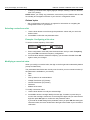
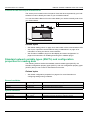
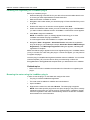
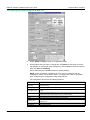
You can use two modes to view data from the device:
• Automatic mode: Select the update interval from the Interval dropdown list.
• Manual mode: Press Req_UD2 to request data from the meter.
To switch modes, select Setup > Monitor then select the mode you want to use.
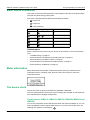
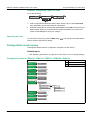
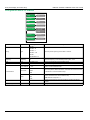
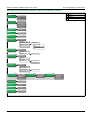
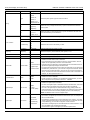
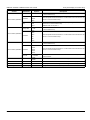
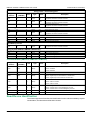
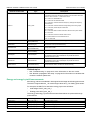
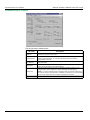
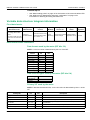
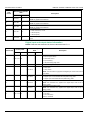
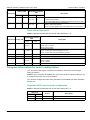
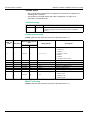
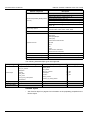
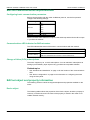
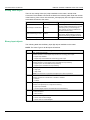
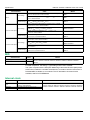
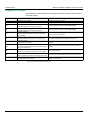
The tool has the following tabs for viewing meter information:
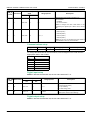
Tab name
Meter Info
Description
This tab provides basic information about the meter (for example, model and serial
number) and any active error codes. Click Clear to remove the error codes from the
display.
This does not resolve the errors.
76
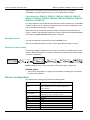
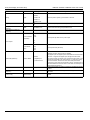
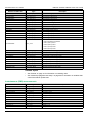
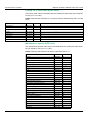
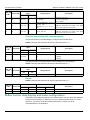
Energy Measure
This tab provides total and partial energy, energy per phase and energy by tariff
information, as well as input accumulations and the date and time of the last input
metering and partial energy resets.
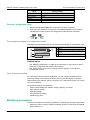
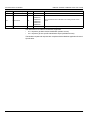
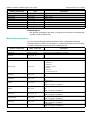
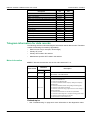
RMS Measure
This tab provides power, current, and voltage values as well as frequency and power
factor information.
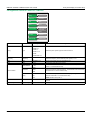
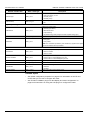
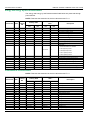
Meter Status
This tab provides information on the settings and status of the digital input, digital
outputs and alarms as well as existing power system settings.
DOCA0005EN-05