1
Script Reference Manual
Vector References
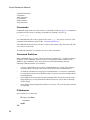
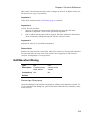
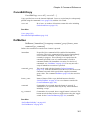
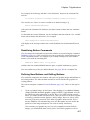
Simulation vectors are usually attached to a reference. The reference is a vector's xvalues. E.g. any vector created from a transient analysis simulation will have a
reference of time. AC analysis results have a reference of frequency.
Vectors created by other means may be assigned a reference using the SetRef
command. See page 423
Physical Type
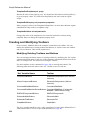
Simulation vectors also usually have a physical type. This identifies the values units
e.g. Volts or Amps. When evaluating expressions SIMetrix attempts to resolve the
physical type of the result. For example, if a voltage is multiplied by a current SIMetrix
will assign the Physical Type Watts to the result.
Any vector can be assigned a physical type using the SetUnits command page 424.
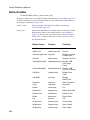
User Interface to Scripts
Dialog Boxes
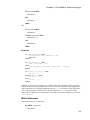
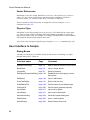
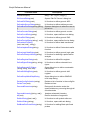
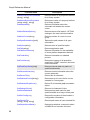
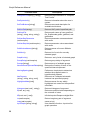
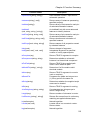
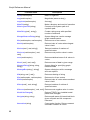
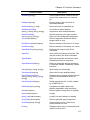
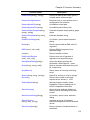
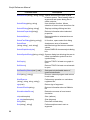
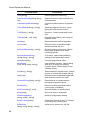
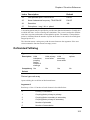
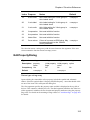
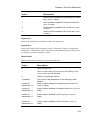
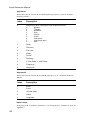
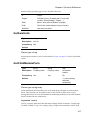
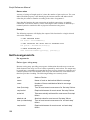
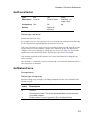
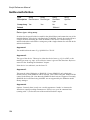
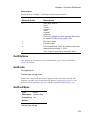
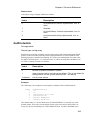
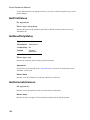
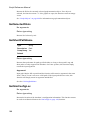
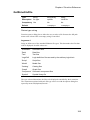
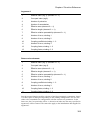
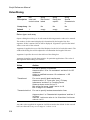
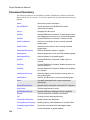
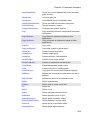
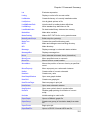
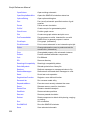
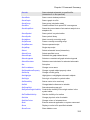
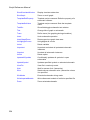
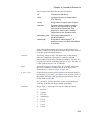
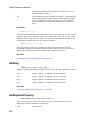
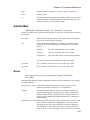
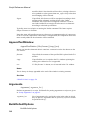
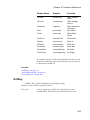
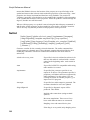
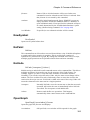
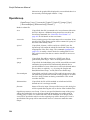
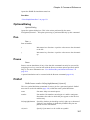
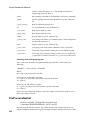
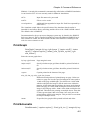
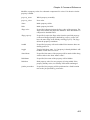
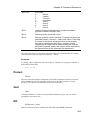
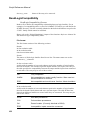
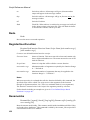
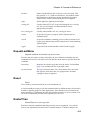
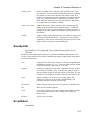
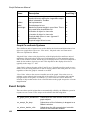
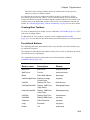
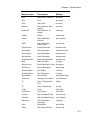
A number of functions are available which provide means of obtaining user input
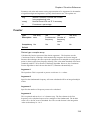
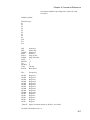
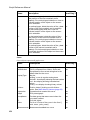
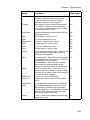
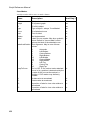
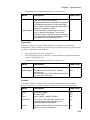
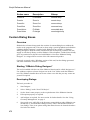
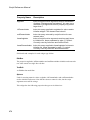
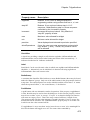
through dialog boxes. These are:
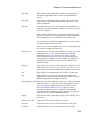
42
Function name
Page
Comment
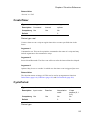
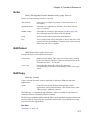
AddRemoveDialog
page 76
Add or remove items to or from a list
BoolSelect
page 79
Up to 6 check boxes.
ChooseDir
page 81
Select a directory
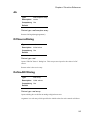
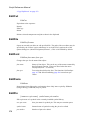
EditObjectPropertiesDialog page 120
Read/Edit a list of property names
and values
EditSelect
page 128
Up to 6 edit boxes
EnterTextDialog
page 131
Enter multi line text
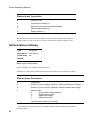
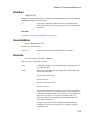
GetSIMetrixFile
page 189
Get file name of pre-defined type
GetUserFile
page 205
Get file name (general purpose)
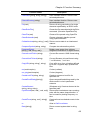
InputGraph
page 217
Input text for graph
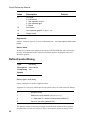
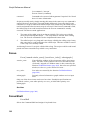
InputSchem
page 217
Input text for schematic
NewValueDialog
page 244
General purpose dialog box.
RadioSelect
page 265
Up to 6 radio buttons
SelectDialog
page 283
Select item(s) from a list