1
Chapter 1
Processing INAS
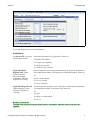
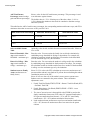
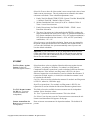
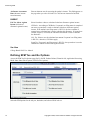
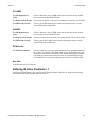
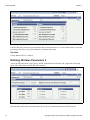
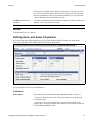
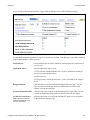
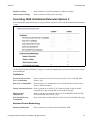
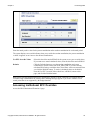
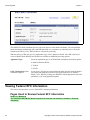
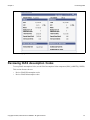
INAS Federal Extension EFC Override page
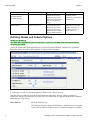
Enter the actual positive value for the parent contribution and/or student contribution for each award period.
The system displays an override indicator when you override the student contribution, the parent contribution
or both. It appears as an O next to the affected contributions.
Use EFC Override Values
Select this check box and call INAS for the system to use your override values.
If you want to use actual calculated values, clear the check box and call INAS.
Defaults
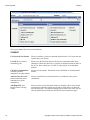
Click the Defaults button to reset the student contribution and parent
contribution to current values from STD_AWD_PER. If you have already
calculated INAS using overridden values, those same values are returned when
you click the Defaults button. To retrieve calculated values as the default,
clear the Use EFC Override Values check box, call INAS, return to this
page, and click the Defaults button.
Note. Ensure that the budget duration set in global policy options or at the extension level supports the EFC
overrides being established for the award period. Warning messages appear if you create overrides for an
award period that is not supported by the budget duration.
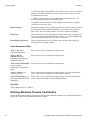
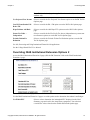
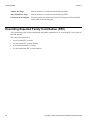
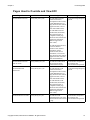
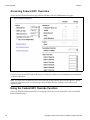
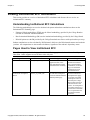
Accessing Institutional EFC Overrides
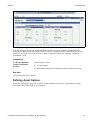
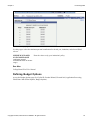
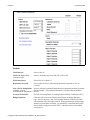
Access the INAS Institutional Extension 1 page.
Copyright © 2009, Oracle and/or its affiliates. All rights reserved.
39