1
Processing INAS
Chapter 1
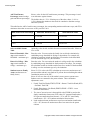
Use Simulated Data
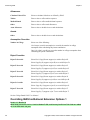
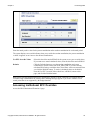
Click this button to move the simulated data into production.
Federal Extension
Click this link to access the INAS Simulation Federal Extension page and
make changes to an existing extension or override the INAS Global Policy
Options at the student level.
Need Summary
Click this link to view a student’s need summary. Need summary information
reflects only current values. New data that you have calculated is not reflected
on Need Summary pages until you click the Use Simulated Data button,
refresh the page and click Get Fed Data again.
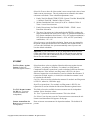
Monthly EFC
Click this link to access the INAS Simulation Monthly EFC page to view the
INAS calculated monthly EFC for months 1-8 and 10-12.
Formula Type
Displays the formula type used in the INAS calculation. When you click the
Get Federal Data button, the system populates the ISIR formula type on record
and updates the formula type when INAS is called.
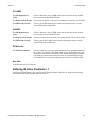
Primary EFC:
Displays the 9-month EFC. When you click the Get Fed Data button, the
system populates the ISIR Primary EFC on record and updates the Primary
EFC when INAS is called.
Prorated EFC:
Displays the 9-month or other than 9-month EFC. When you click the Get
Fed Data button, the system populates the ISIR Prorated EFC on record and
updates the Prorated EFC when INAS is called.
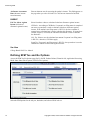
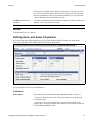
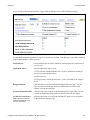
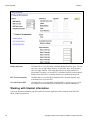
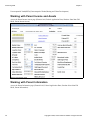
Working with Student Income and Assets
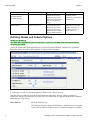
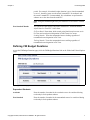
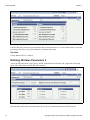
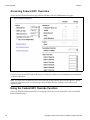
Access the Student Income/Assets page (Financial Aid, Federal Application Data, Simulate 20nn-20nn FM
INAS, Student Income/Assets).
44
Copyright © 2009, Oracle and/or its affiliates. All rights reserved.