1
On-Chip Debugging Emulator E1/E20
1.9
z
z
z
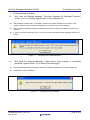
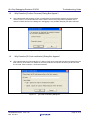
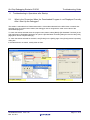
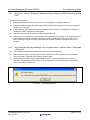
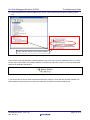
Why Does the Warning Message “Cannot detect the user system. Please check
the connection between the emulator and the user system.” Appear?
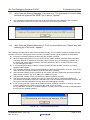
Check that the E1 or E20 connector is firmly connected to the user system.
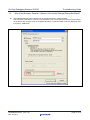
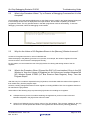
If you are using the E1, check that pin 14 of the emulator connector is connected to GND. The E1
recognizes the connection of the user system when it detects that this pin is at the low level.
If you are using the E20, check that pin 5 of the emulator connector is connected to GND. The E20
recognizes the connection of the user system when it detects that this pin is at the low level.
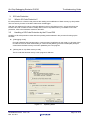
Figure 1.10
1.10
z
z
Troubleshooting Guide
Cannot Detect the User System
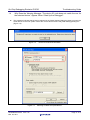
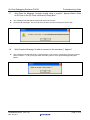
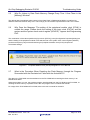
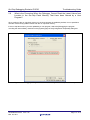
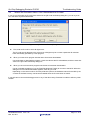
Why Does the Warning Message “Power on the user system and press OK.”
Appear?
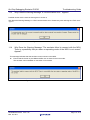
Check that the user system is supplied with power.
Check that the VCC pin of the emulator connector is connected to VCC on the user system.
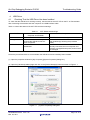
Figure 1.11
R20AN0045EJ0102 Rev.1.02
Mar. 29, 2011
Turn the Power on
Page 8 of 21