1
Chapter 3
Editing Data
This chapter describes editing data in preparation for
PostProcessing and Adjustment.
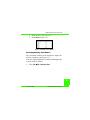
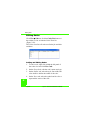
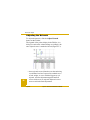
Editing Points in the Points Tab
The Points tab includes point name, coordinates, and
other relevant point information.
Editing Point Name, Status, Coordinates
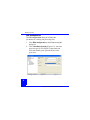
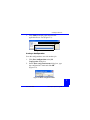
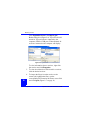
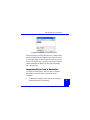
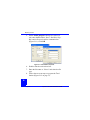
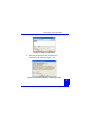
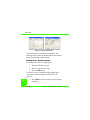
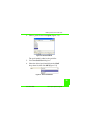
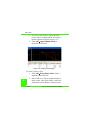
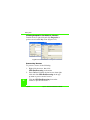
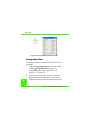
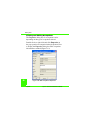
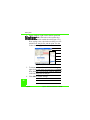
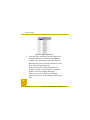
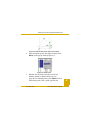
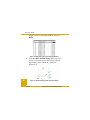
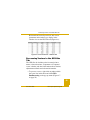
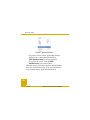
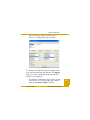
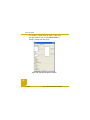
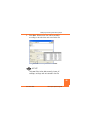
Figure 3-1 on page 22 displays example dialog boxes
for the procedure below.
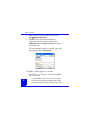
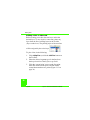
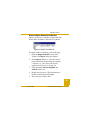
1. Right-click the point to edit and click Properties
on the pop-up menu.
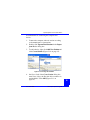
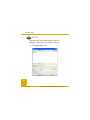
2. On the General tab, edit the point name and click
Apply.
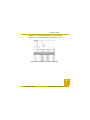
3. On the Coordinates tab, edit the point coordinates
as needed and click OK.
21
P/N 7010-0616
www.topconpositioning.com