1
(2)
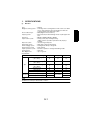
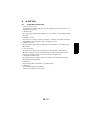
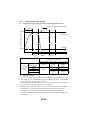
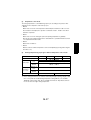
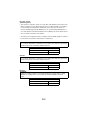
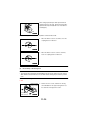
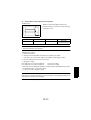
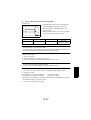
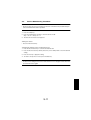
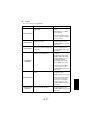
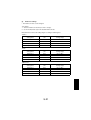
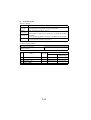
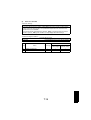
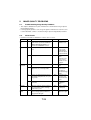
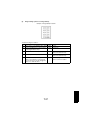
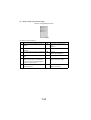
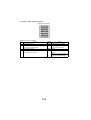
Adjust
Function
TEST
COPY
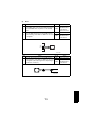
Purpose
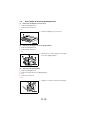
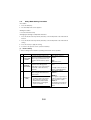
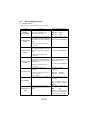
To vary and adjust the print start
position in the main scanning
direction.
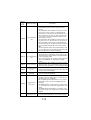
PRN
MAIN
✽ If the image on the copy deviREGIST ADJUST
ates in the CD direction
✽ When the PH unit has been
replaced
Setting Details/Precautions
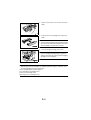
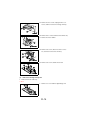
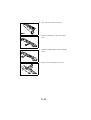
Press the Start key to begin
printing the test page.
The setting range is 60 to 140.
(1 increment = 0.1 mm)
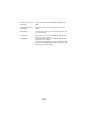
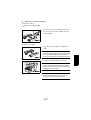
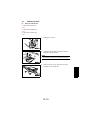
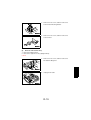
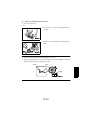
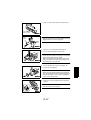
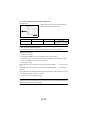
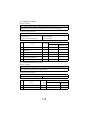
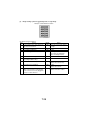
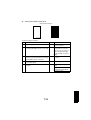
Press the Start key to begin
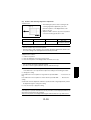
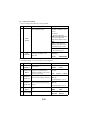
To vary and adjust the print start
position in the sub-scanning direc- printing the test page.
tion.
The setting range is 87 to 113.
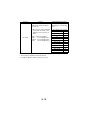
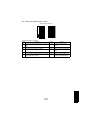
PRN
(1 increment = 0.46 mm)
SUB
✽ If the image on the copy deviREGIST ADJUST
ates in the FD direction
✽ When the PH unit has been
replaced
TEST
COPY
TEST
COPY
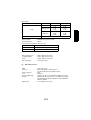
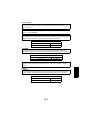
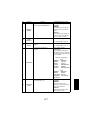
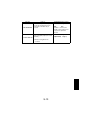
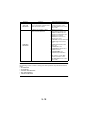
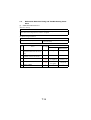
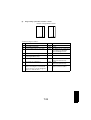
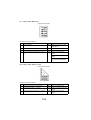
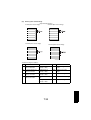
CCD
MAIN
ZOOM
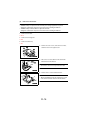
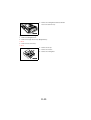
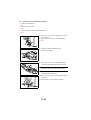
Press the Start key to begin
printing the test page.
The setting range is 95 to 105.
(1 increment = 0.4%)
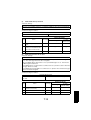
ADJUST ✽ When the Timing Belt has been
replaced
✽ When the Scanner Assy. has
been replaced
TEST
COPY
CCD
SUB
ZOOM
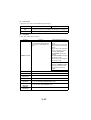
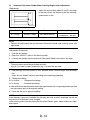
To adjust for variations in the accuracy of IR parts and their mounting
accuracy by varying the scanning
zoom ratio in the main scanning
direction.
ADJUST
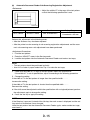
To adjust for variations in the accuracy of IR parts and their mounting
accuracy by varying the scanning
zoom ratio in the sub-scanning
direction.
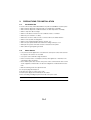
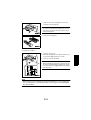
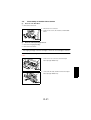
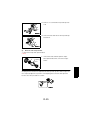
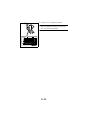
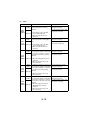
Press the Start key to begin
printing the test page.
The setting range is 95 to 105.
(1 increment = 0.4%)
✽ When the Scanner Assy. has
been replaced
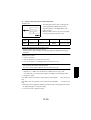
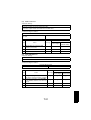
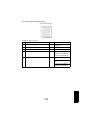
TEST
COPY
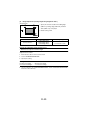
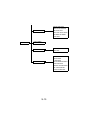
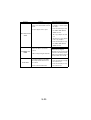
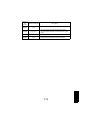
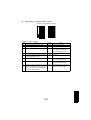
To adjust for variations in the accuracy of IR parts and their mounting
accuracy by varying the scanning
start position in the main scanning
CCD
direction.
MAIN
✽ When the Upper Cover Assy.
REGIST ADJUST
(Original Glass) has been
replaced
✽ When the Scanner Assy. has
been replaced
S-14
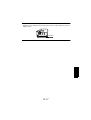
Press the Start key to begin
printing the test page.
The setting range is 90 to 110.
(1 increment = 0.5 mm)