1
LSQT1091_ENG.book 32 ページ
2006年11月27日 月曜日 午後1時17分
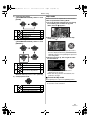
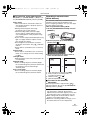
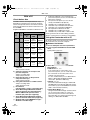
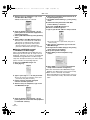
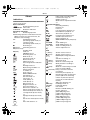
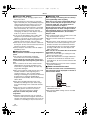
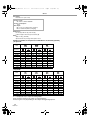
Record mode
3.1M :
2M :
1M :
0.3M :
2048k1512
1600k1200
1280k960
640k480
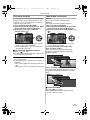
≥When you purchase this unit, [ASPECT] is set
to [16:9]. The sides of pictures recorded when
[16:9] is set may be cut at printing. Check before
printing.
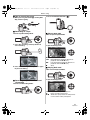
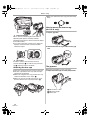
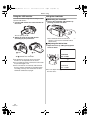
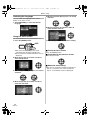
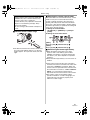
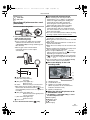
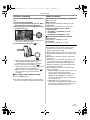
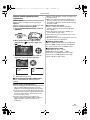
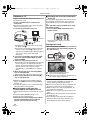
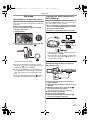
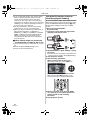
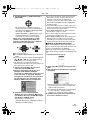
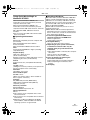
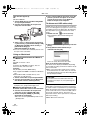
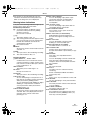
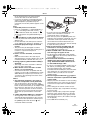
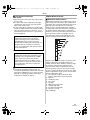
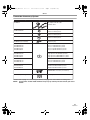
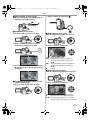
Zoom in/out function
You can zoom in up to 10k optically.
≥Set to Tape/Card Recording Mode.
1 Wide-angle recording (zoom out):
Push the [W/T] lever towards [W].
Close-up recording (zoom in):
Push the [W/T] lever towards [T].
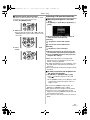
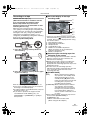
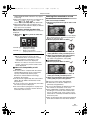
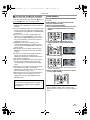
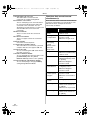
ª Select the picture quality for
photoshot images
1 Set [BASIC] >> [PICT.QUALITY] >> select
the desired picture quality.
[
]: High picture quality
[
]: Normal picture quality
≥You can also change the picture quality on
[ADVANCED] >> [PICT.QUALITY] in the tape
recording mode.
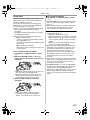
ª Recording with a shutter operation
effect
You can add a shutter operation simulating
sound.
1 Set [ADVANCED] >> [SHTR EFFECT] >>
[ON].
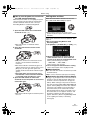
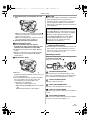
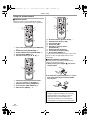
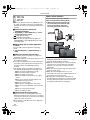
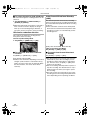
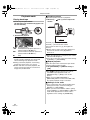
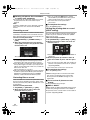
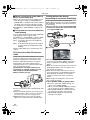
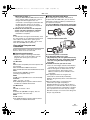
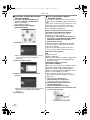
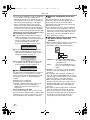
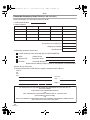
ª About the shutter chance mark
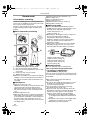
≥The shutter chance mark does not appear in
manual focus mode.
≥When the subject is not easily focused, focus on
the subject manually.
≥You can record still pictures on the card even if
the shutter chance mark does not appear, but
pictures may be recorded without being
focused.
≥The shutter chance mark does not appear or
has difficulty displaying in the following cases.
≥When the zoom magnification is high.
≥When the Camcorder is shaken.
≥When the subject is moving.
≥When the subject stands in front of a light
source.
≥When close subjects and far subjects are
included in the same scene.
≥When the scene is dark.
≥When there is a bright part in the scene.
≥When the scene is filled with only horizontal
lines.
≥When the scene lacks contrast.
≥When recording on tape.
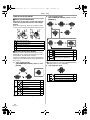
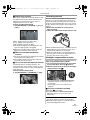
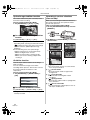
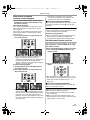
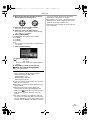
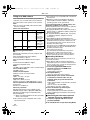
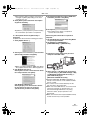
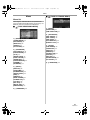
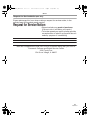
ª Concerning the focusing area
≥When there is a contrasting object ahead or
behind the subject in the focus area, the subject
may not be focused. If so, move the contrasting
object out of the focus area.
≥Even when it is still difficult to focus, adjust the
focus manually.
32
LSQT1091
VOL
1t
tW
T
5t
tW
T
10t
10
tW
T
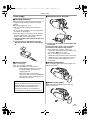
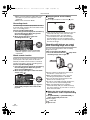
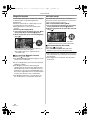
≥When zooming in and taking a picture while
holding the Camcorder by hand, we recommend
using the image stabilizer function.
≥When you are zooming in on a faraway subject,
a sharper focus is achieved if the recording
subject is 1 m (3.3 feet) or further from the
Camcorder.
≥When the zoom speed is high, the subject may
not be focused easily.
≥When the zoom magnification is 1k, the
Camcorder can focus on a subject approx. 4 cm
(1.6 inches) away from the lens.
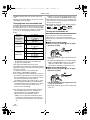
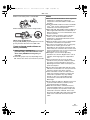
≥Be aware that a mechanical sound may be
recorded when the [W/T] lever is released while
zooming. Gently move the zoom lever back to
it’s original position before releasing it.