1
Foundry EdgeIron User Guide
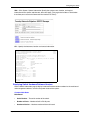
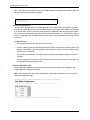
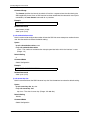
Note: The spanning-tree mode command has been removed and replaced by RSTP mode for the
global spanning tree and PVST-compliant mode for each VLAN. If the switch detects a device
running STP it will automatically downgrade to STP. Presently the firmware does not support MSTP.
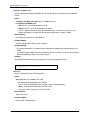
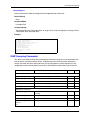
Command Attributes
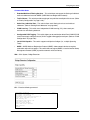
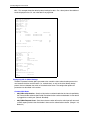
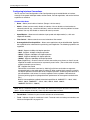
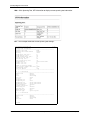
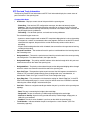
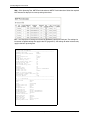
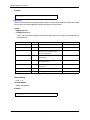
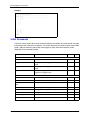
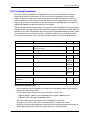
• Bridge ID – A unique identifier for this bridge, consisting of the bridge priority and MAC address
(where the address is taken from the switch system).
•
Spanning Tree State – Enables or disables the spanning tree. If you enable the spanning tree,
you must complete the other fields.
(Default: enabled)
•
Spanning Tree Type – Specifies the type of Spanning Tree Protocol used on the switch:
(Default: RSTP)
•
STP: (IEEE 802.1D; i.e., when this option is selected, the switch will use RSTP set to STP
forced-compatibility mode). When operating multiple VLANs, we recommend selecting the
MSTP option.
•
RSTP: Rapid Spanning Tree Protocol (IEEE 802.1w)
Note: A Spanning Tree instance can exist only on bridges that have compatible VLAN instance
assignments.
Note: Be careful when switching between Spanning Tree modes. Changing modes stops all
Spanning Tree instances for the previous mode and restarts the system in the new mode,
temporarily disrupting user traffic.
•
•
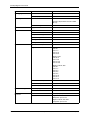
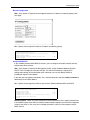
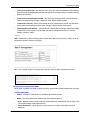
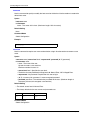
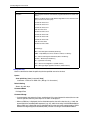
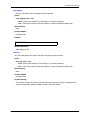
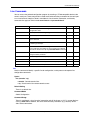
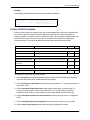
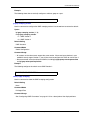
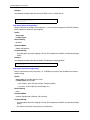
Priority – Bridge priority is used in selecting the root device, root port, and designated port. The
device with the highest priority becomes the STP root device. However, if all devices have the
same priority, the device with the lowest MAC address will then become the root device.
- Default: 32768
- Range: 0-61440, in steps of 4096
- Options: 0, 4096, 8192, 12288, 16384, 20480, 24576, 28672, 32768, 36864, 40960, 45056,
49152, 53248, 57344, 61440
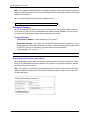
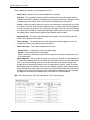
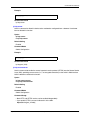
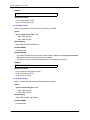
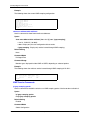
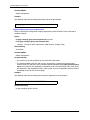
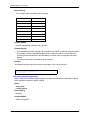
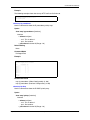
Hello Time – Interval (in seconds) at which the switch transmits a configuration message.
- Default: 2
- Minimum: 1
- Maximum: The lower of 10 or [(Max. Message Age / 2) -1]
3-78
© 2004 Foundry Networks, Inc.
May 2004