1
Foundry EdgeIron User Guide
Default Setting
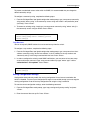
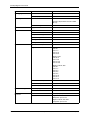
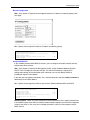
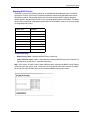
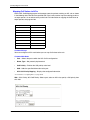
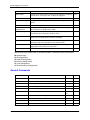
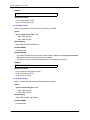
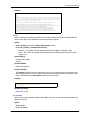
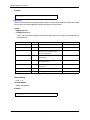
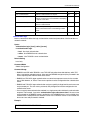
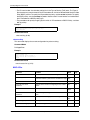
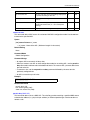
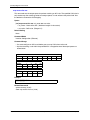
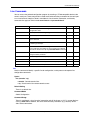
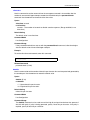
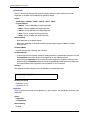
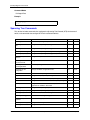
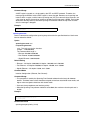
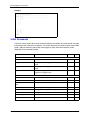
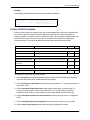
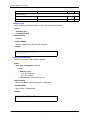
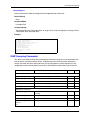
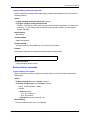
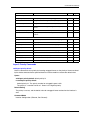
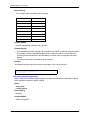
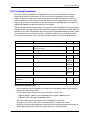
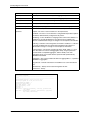
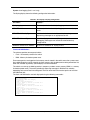
The list below shows the default priority mapping.
IP Precedence Value
CoS Value
0
0
1
1
2
2
3
3
4
4
5
5
6
6
7
7
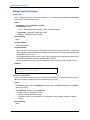
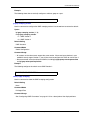
Command Mode
Interface Configuration (Ethernet, Port Channel)
Command Usage
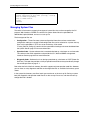
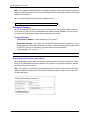
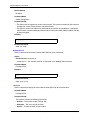
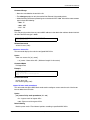
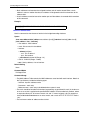
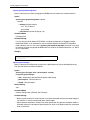
• The precedence for priority mapping is IP Precedence or IP DSCP, and default switchport priority.
• IP Precedence values are mapped to default Class of Service values on a one-to-one basis
according to recommendations in the IEEE 802.1p standard, and then mapped to the queue
defaults.
• This command sets the IP Precedence for all interfaces.
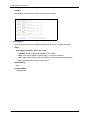
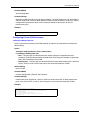
Example
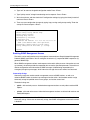
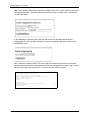
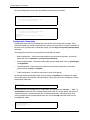
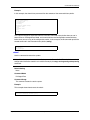
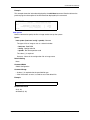
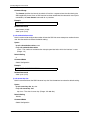
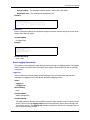
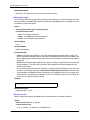
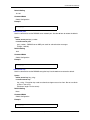
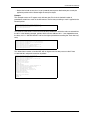
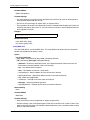
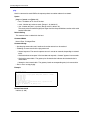
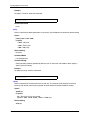
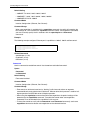
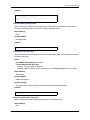
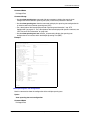
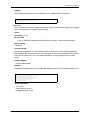
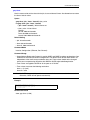
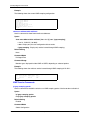
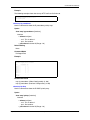
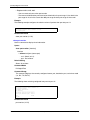
The following example shows how to map IP precedence value 1 to CoS value 0:
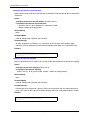
Console(config)#interface ethernet 1/5
Console(config-if)#map ip precedence 1 cos 0
Console(config-if)#
map ip dscp (Global Configuration)
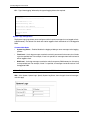
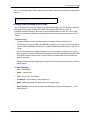
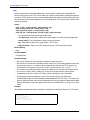
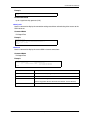
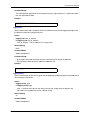
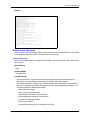
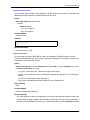
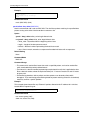
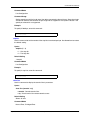
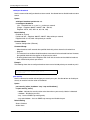
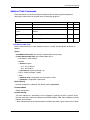
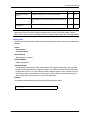
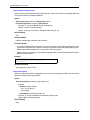
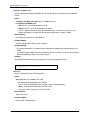
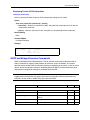
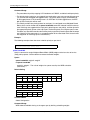
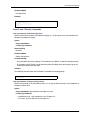
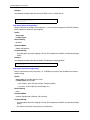
Use this command to enable IP DSCP mapping (i.e., Differentiated Services Code Point mapping).
Use the no form to disable IP DSCP mapping.
Syntax
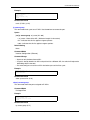
map ip dscp
no map ip dscp
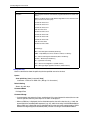
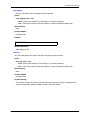
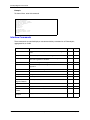
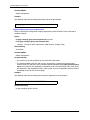
Default Setting
Disabled
Command Mode
Global Configuration
4-170
© 2004 Foundry Networks, Inc.
May 2004