1
Designing with Embedded Processors and Microcontrollers
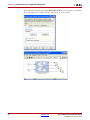
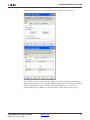
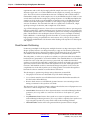
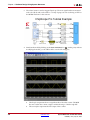
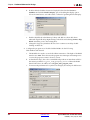
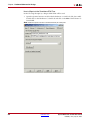
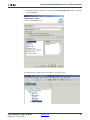
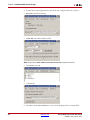
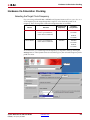
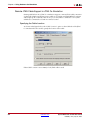
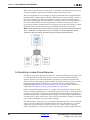
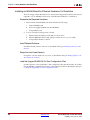
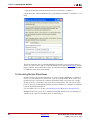
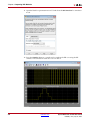
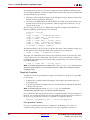
As shown above, set the Compilation type to be Export as a pcore to EDK. Click on the
Settings... button to open up options for the compilation target. Accept the default settings
so that the pcore is generated and exported into the model's target directory.
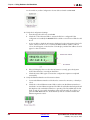
Click on the Generate button to initiate the pcore export process.
Note: This should take less than 5 mins.
4.
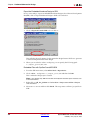
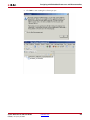
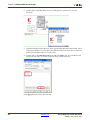
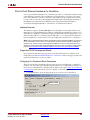
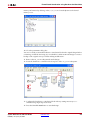
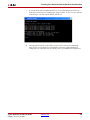
Open the provided XPS project at pathname C:\export_pcore\edk\system.xmp.
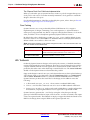
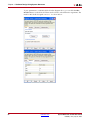
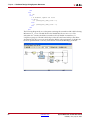
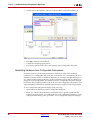
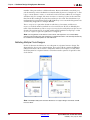
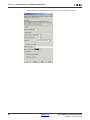
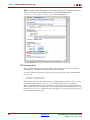
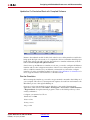
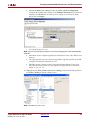
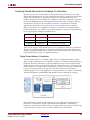
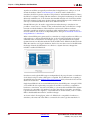
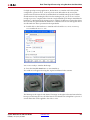
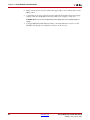
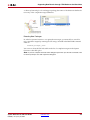
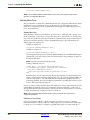
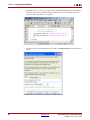
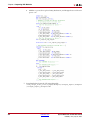
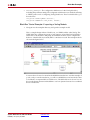
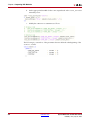
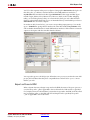
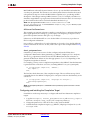
Under the IP Catalog tab select Project Local Pcores > Users. You should see the pcore
as shown below:
5.
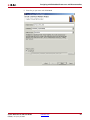
Select all the default settings from the popped up dialog windows.
Add the pcore to the Embedded Design
1.
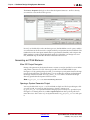
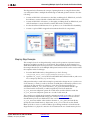
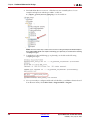
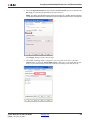
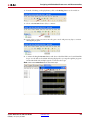
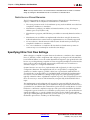
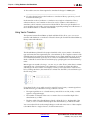
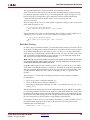
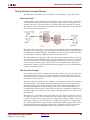
Next, add the pcore into the embedded design. You can either use your mouse to drag
and drop the pcore into the System Assembly View or you can right-click on the pcore
instance and select Add IP.
2.
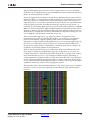
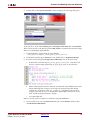
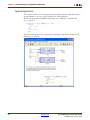
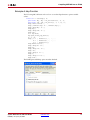
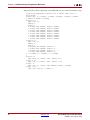
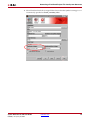
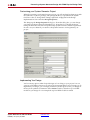
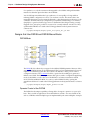
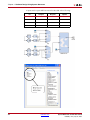
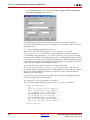
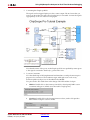
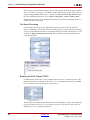
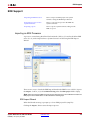
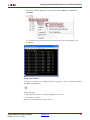
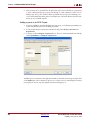
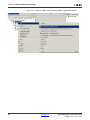
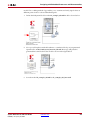
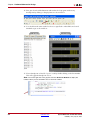
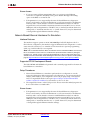
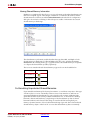
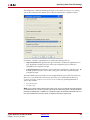
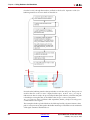
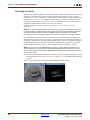
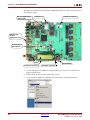
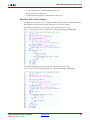
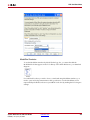
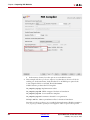
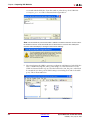
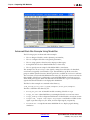
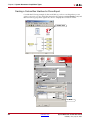
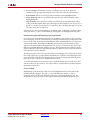
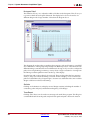
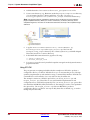
Connect a clock to the system pcore. From the System Assembly View, select the
following: Port tab > rgb2gray_axiw_0 > connect to 50 MHz clock, as shown below::
System Generator for DSP User Guide
UG640 (v 14.2) July 25, 2012
www.xilinx.com
187