1
iConnectAccess624
Technical Reference
SNTP
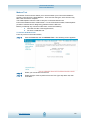
Simple Time Network Protocol ensures that computer clock times can be synchronised in
a network of computers to the millisecond.
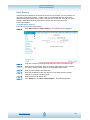
To Configure SNTP For The iConnectAccess624:
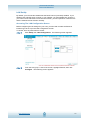
From any web interface screen,
step 1
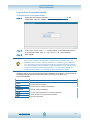
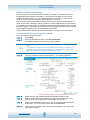
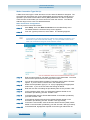
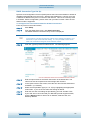
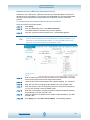
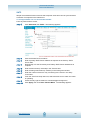
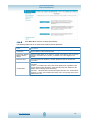
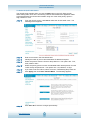
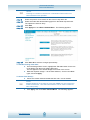
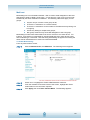
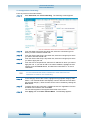
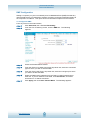
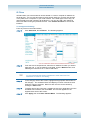
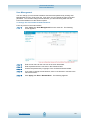
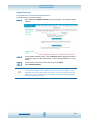
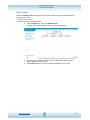
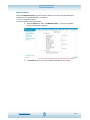
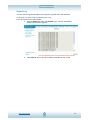
Click Advanced, then SNTP. The following appears:
step 2
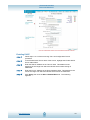
Click the Enable SNTP checkbox.
step 3
Enter a primary SNTP Server address as required in the Primary SNTP
Server field.
step 4
Repeat step 3 for the Secondary and Tertiary SNTP Server addresses as
required.
step 5
Enter a timeout limit (in seconds) in the Timeout field.
step 6
Enter a Polling Interval limit (in minutes) in the Polling Interval field.
step 7
Enter the number of times to retry connecting to the server in the Retry
Count field.
step 8
From the Time Zone drop-down list, select the time zone in which the router
is operating.
step 9
Check the Day Light checkbox to activate daylight savings time.
step 10
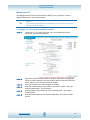
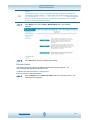
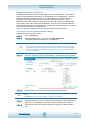
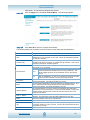
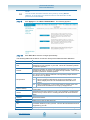
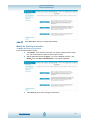
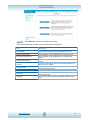
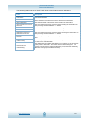
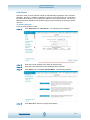
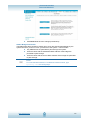
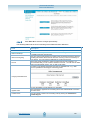
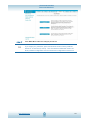
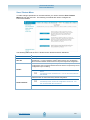
Click Apply, then click Save / Restart Menu. The following appears:
www.opennw.com
46