1
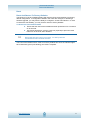
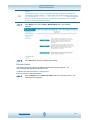
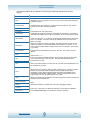
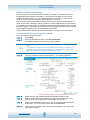
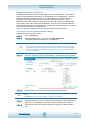
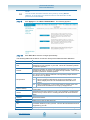
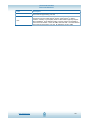
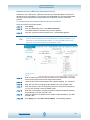
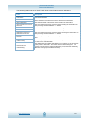
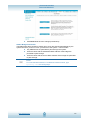
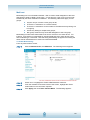
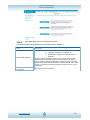
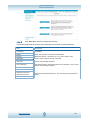
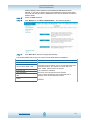
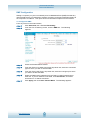
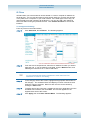
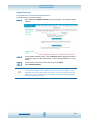
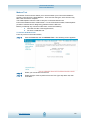
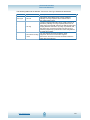
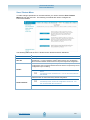
iConnectAccess624 Technical Reference Document Conventions When using this manual, certain words are represented in different fonts, typefaces, and weights. This highlighting is systematic: different words are represented in the same style to indicate their inclusion in a specific category. The types of words represented in this way are listed in the following table: Type Face Used For: GUI tabs; GUI menu items; Window and screen buttons Bold Typeface Window, dialog and screen names: Titles; Field names. Italics User-entered data Data entered by the user <Bold> Computer keyboard commands Also, different strategies are used to draw your attention to certain pieces of information. In order of how critical the information is to your system, these items are marked as Note, Tip or Warning. For example: NOTE: NOTE: If you need to use the VPI and VCI values in an existing connection, you will need to open it and edit the setting. It is not possible to have more than one connection using the same VPI/VCI values. TIP: TIP: Ensure your computer is configured for DHCP mode and that proxies are disabled in your browser. You must also ensure that JavaScript support is enabled in browser settings, so that the browser does not display a login redirection screen. Finally, if any screen other than the Login screen appears, you may need to delete your temporary Internet files. (ie, basically flush the cached web pages). WARNING: WARNING! WARNING! If you need to use the VPI and VCI values in an existing connection, you will need to open it and edit the setting. It is not possible to have more than one connection using the same VPI/VCI values. www.opennw.com 5