1
HOW DO I…
INSTRUCTIONS
Select specific
details to copy to the
Reaxys Report.
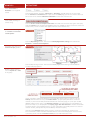
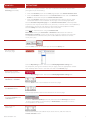
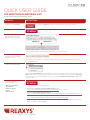
To select a detail, look for a page curl image as you hover over details. Click the page
curl to see the options specific to that detail and click to select.
Select a whole list of
details to copy to the
Reaxys Report.
A whole list of facts can be copied by clicking the header on the list of facts.
View your selected
facts in the Report.
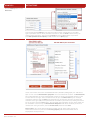
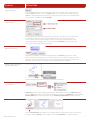
After making your selections, click the Report button on the button bar to open your
Reaxys Report.
Add notes to selected
facts in the Report.
Click the Annotation link on the upper right side of an item to add notes to the selected fact.
Display the structure for a
selected fact in the Report.
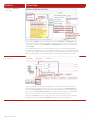
Click the Show Substance link to display the substance that goes with the
selected fact. The substance will display even though it was not selected with the fact
on the results page.
Regroup selected facts
in the Reaxys Report.
Click the Regroup button to reconstruct your report by collecting individual items that were
derived from the same record and combining them into one item.
Email the selected facts
to a colleague.
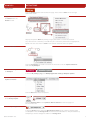
Click the Send button to email your comments to colleagues along with your
Reaxys Report as an attachment to an email.
Export.
Click the Output button and select from several options.
Start a Synthesis Plan.
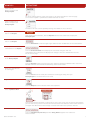
Click the Synthesize link below a substance to start a plan using that substance. Alternatively,
you can click the Synthesis Plans button from the button bar and then click the New button in
the upper left side of the screen to begin a search from within the Synthesis Planner.
Link to external docs.
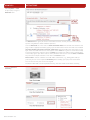
Links to Title/Abstract, Full Text, and View Citing Articles appear with references
when available.
QUICK USER GUIDE • 2013
9