1
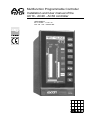
Installation and User manual of the AC10 - AC20 - AC30 controller
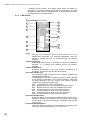
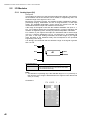
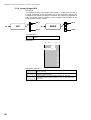
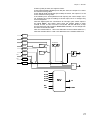
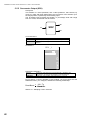
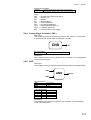
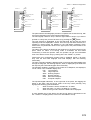
WSm
Working setpoint of the Master loop
RSm
Remote setpoint of the Master loop
Csm
Computer setpoint of the Master loop
PVs
Process variable of the Slave loop
WSs
Working setpoint of the Slave loop
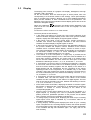
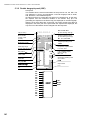
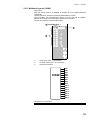
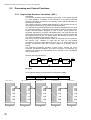
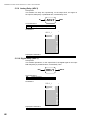
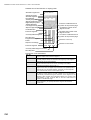
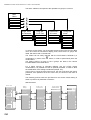
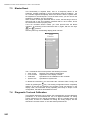
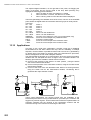
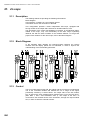
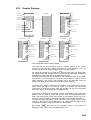
The displayed Setpoint operating mode is the one of the Master loop: its mode,
indicated by the Loc, Rem and Com mnemonic is displayed in reverse, on the
panel, at the same height of the L/R key, that is used to change the mode.
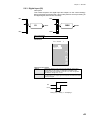
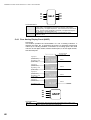
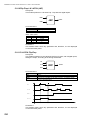
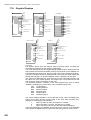
The squared digital indications, on the right side of the panel, are flagging the
status of the alarm and the forcing mode of the loop. More precisely, they
highlight the following general situations:
1
When an alarm is active, the label ALL is visible
2
When the Alarm 1 is active, the label AL1 is visible.
3
When a forcing mode is active the label FOR is displayed.
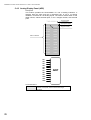
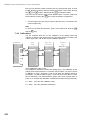
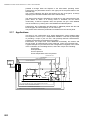
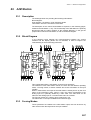
These are global flags: the detailed cause of the event, is shown in the ALARMS
panel, where the digital status of each alarm and forcing input is clearly shown.
The status of the digital signal is indicated by the type of display of the alarm
message: in reverse if active, normal if inactive.
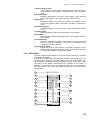
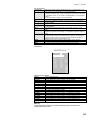
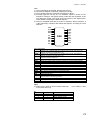
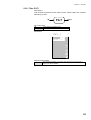
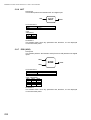
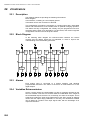
On the ALARMS panel, the following alarms and forcing status are displayed:
ALM1 PV MAST
Alarm 1 loop Master
ALM2 PV MAST
Alarm 2 loop Master
ALM3 PV MAST
Alarm 3 loop Master
UNDERFL, MAST
Out of range of the AI1 input (only for 1-5V or 4-20 mA
input signals)
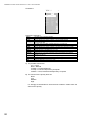
ALM4 PV SLAV
Alarm 4 loop Slave
ALM5 PV SLAV
Alarm 5 loop Slave
ALM6 PV SLAV
Alarm 6 loop Slave
UNDERFL. SLAV
Out of range of the AI4 input (only for 1-5V or 4-20 mA
input signals)
TRACKING
Output forced to a predefined value
HOLD
Output frozen at the value of activation of the forcing
condition
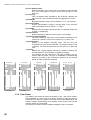
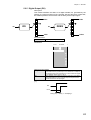
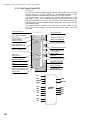
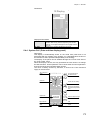
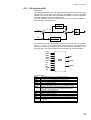
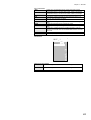
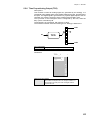
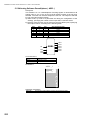
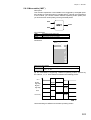
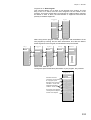
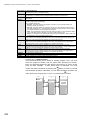
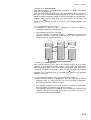
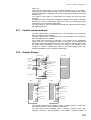
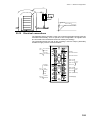
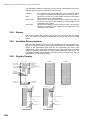
Furthermore, this configuration provides the well known single bargraph display
and the single pen trend, that provides the same functionalities of the previous
panel, but the addition of a programmable time width chart, with the trend profile
of the controlled variables.
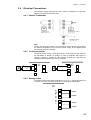
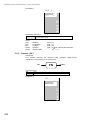
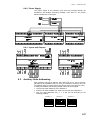
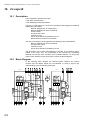
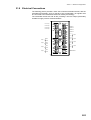
The picture provides details about the displayed variables.
192