1
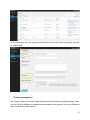
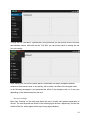
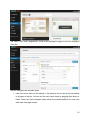
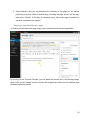
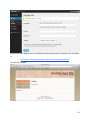
2. From here you can add new menu items that link to the site pages ("Pages") and to
external links ("links").
At the end of the work you need to press the "Save Menu" button to save and publish your
changes.
Media library
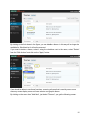
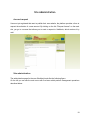
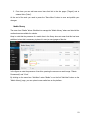
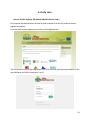
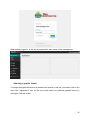
The menu item “'Media” allows SiteAdmin to manage the "Media Library" where are listed all the
media elements available for website.
Keep in mind that the presence of a media item in the library does not mean that this has been
published, since this is necessary to place it in one (or more) pages of the site.
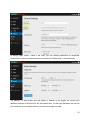
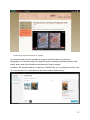
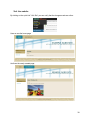
In the figure we note the presence of two links, passing the mouse over each image: "Delete
Permanently" and "View".
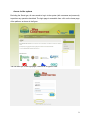
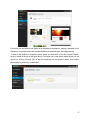
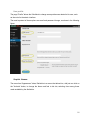
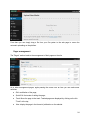
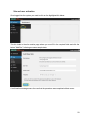
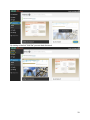
By clicking on the menu item "Add New" under "Media" or on the link "Add New" button on the
"Media Library" page, you can upload a new media item on the platform:
23